Add the SDK Dependencies Manually
To manually add the dependencies for the Mobile App Messaging SDK in your app’s Podfile, complete these steps.
-
Download these SDKs:
-
Copy these directories from your downloads folder to your project directory:
AppGroupSDK.xcframeworkInAppMessagingFeatureSDK.xcframeworkMobileAppMessagingSDK.xcframeworkPushFeatureSDK.xcframeworkSFMCSDK.xcframework
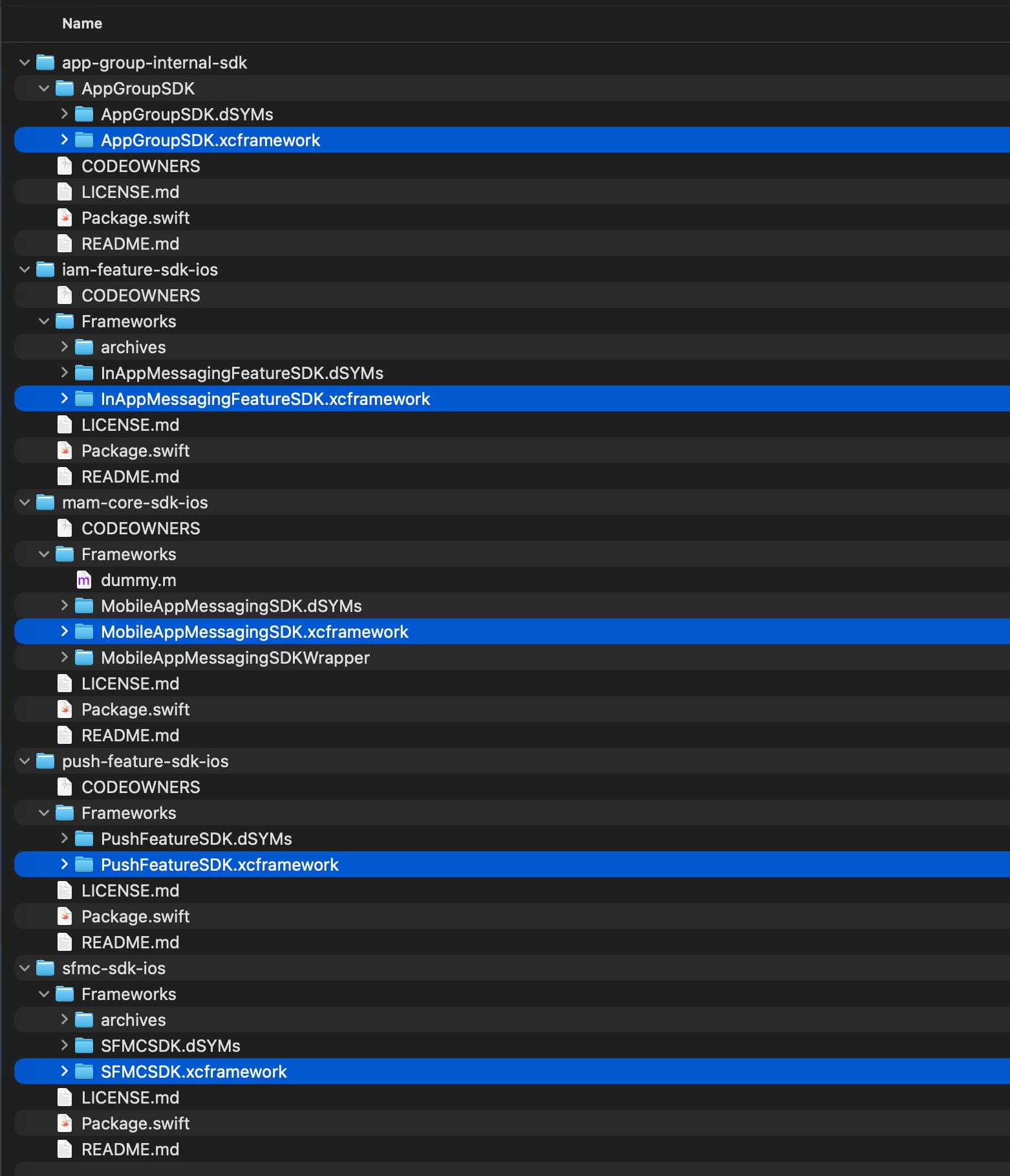
-
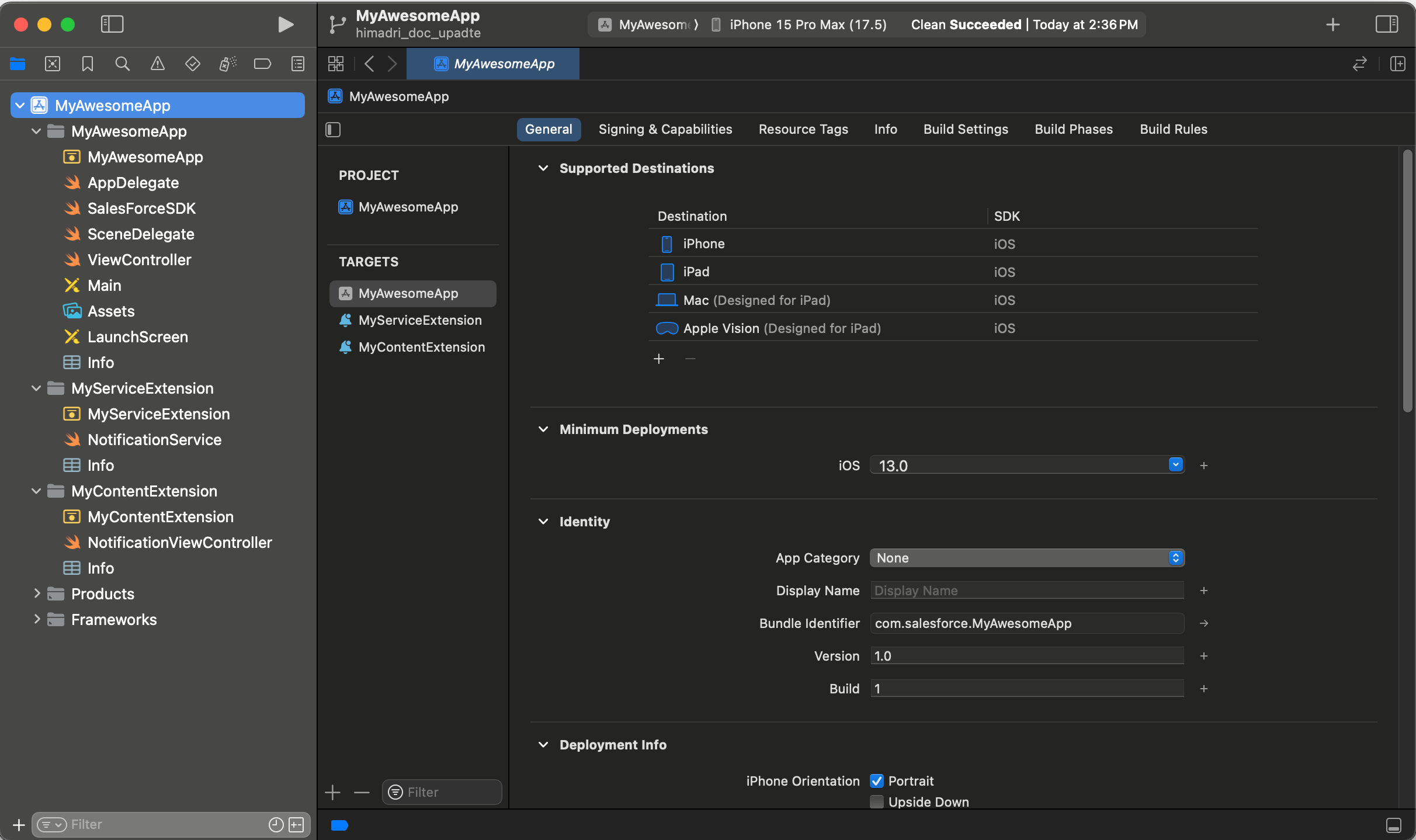
Open your application project and select the appropriate target.
-
Add
AppGroupSDK.xcframework,InAppMessagingFeatureSDK.xcframework,MobileAppMessagingSDK.xcframework,PushFeatureSDK.xcframework, andSFMCSDK.xcframeworkto Frameworks, Libraries, and Embedded Content in your target’s General settings.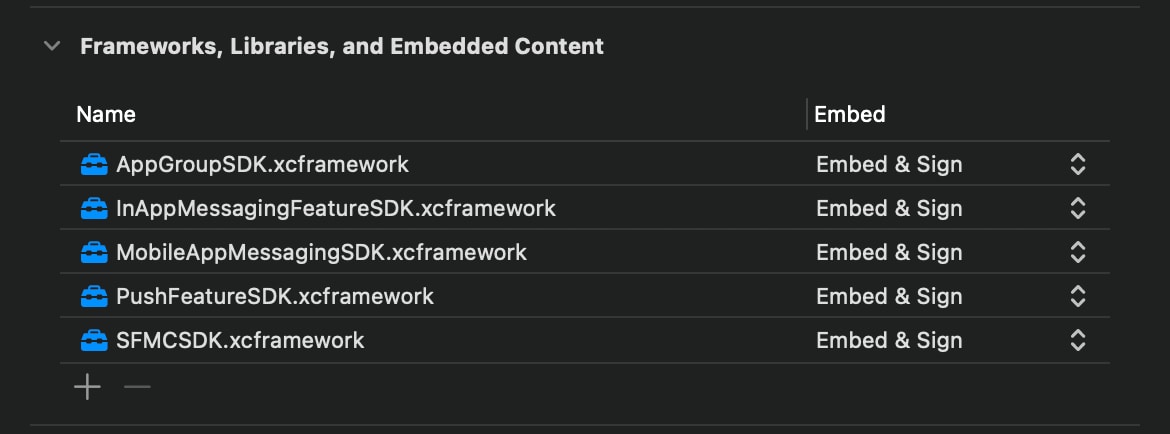
-
Add
-ObjCto your target’s Other Linker Flags build settings.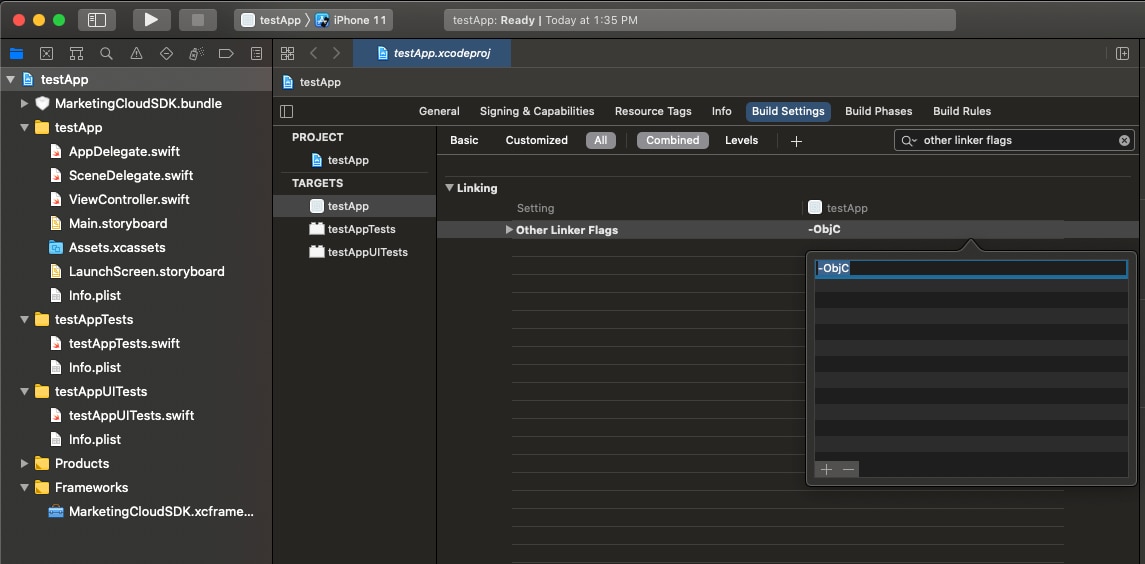
After you add the dependencies, configure the SDK.