Add the SDK Dependencies by using Swift Package Manager
You can add the Mobile App Messaging, In-App Messaging, and Push Messaging modules as dependencies in your app’s Podfile using Swift Package Manager (SPM).
-
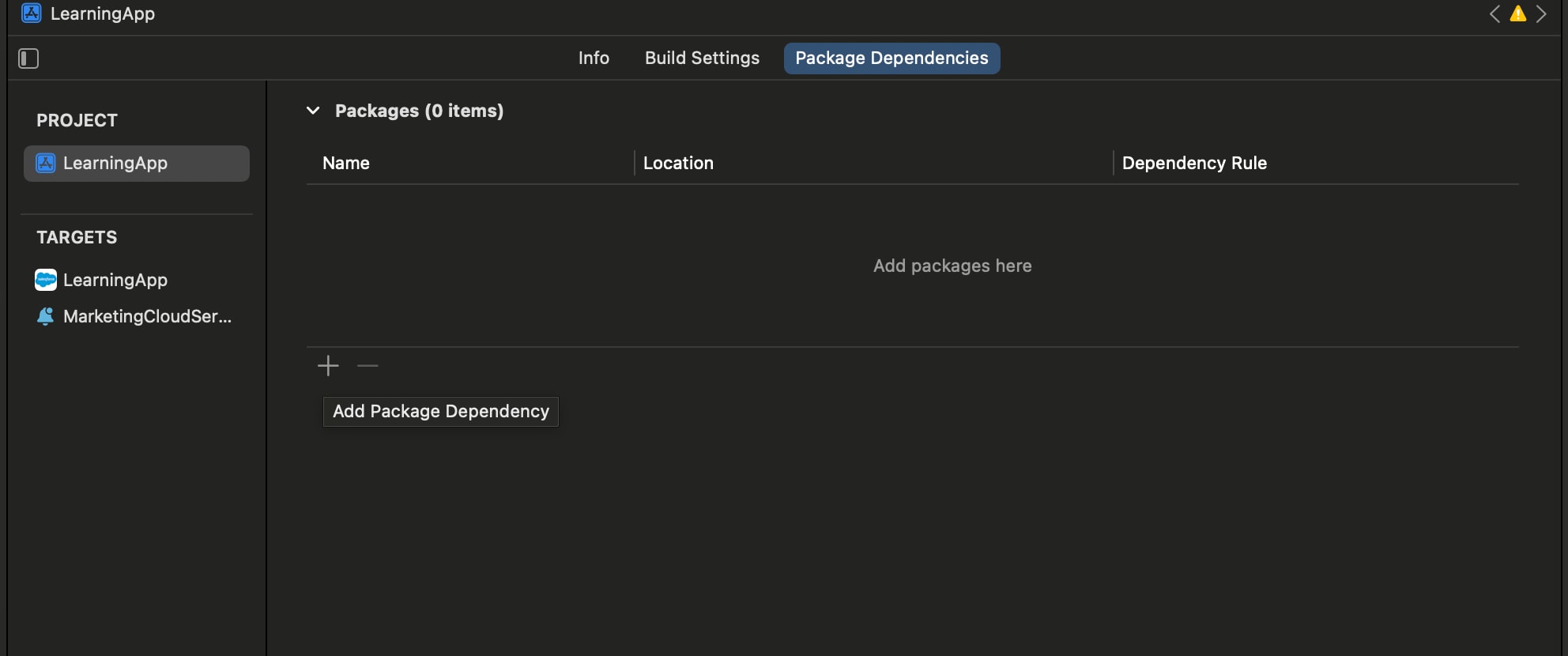
In your Xcode project, go to the Package Dependencies tab of your project’s settings.
-
Add a package by clicking the plus sign (+).
-
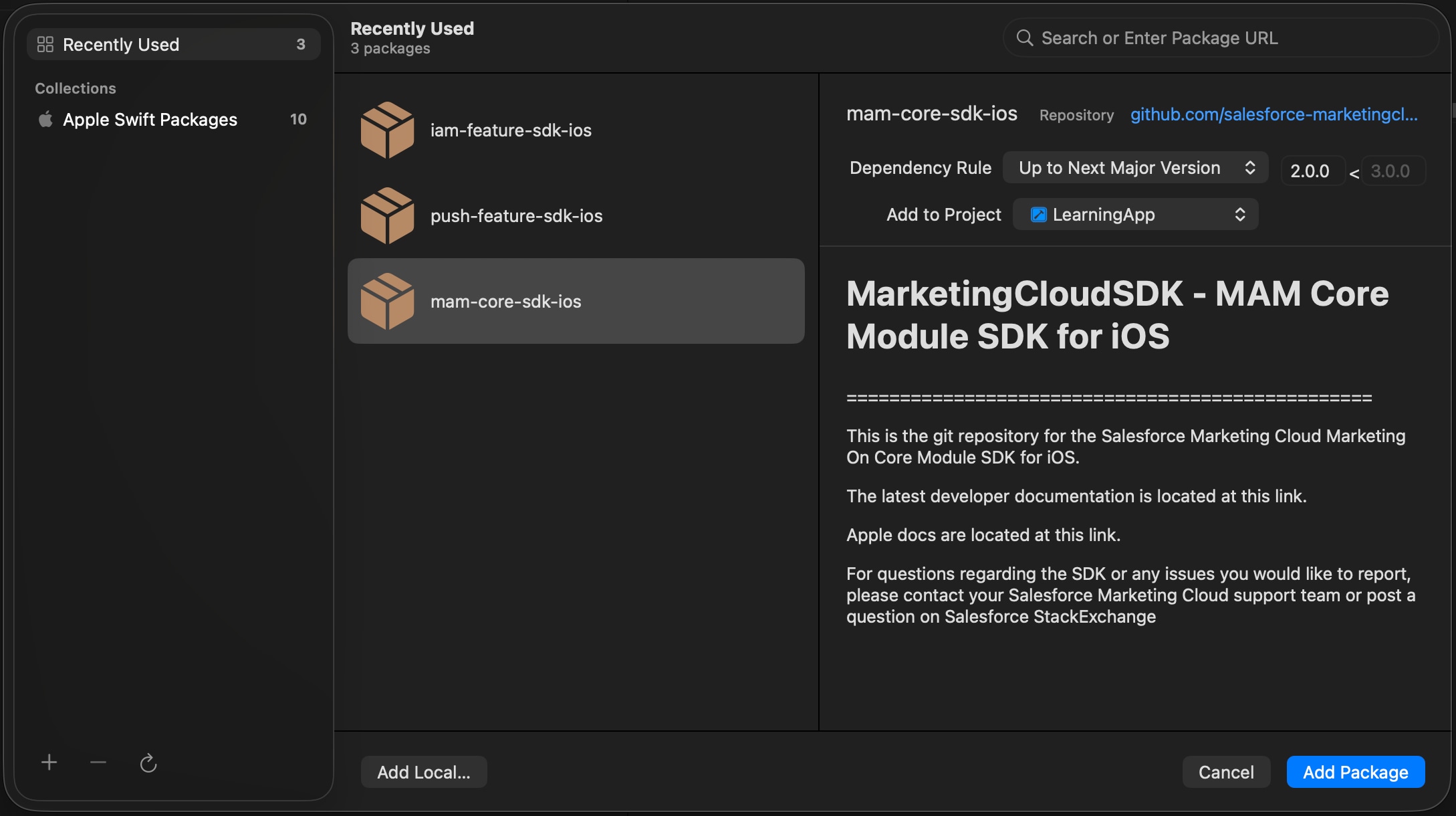
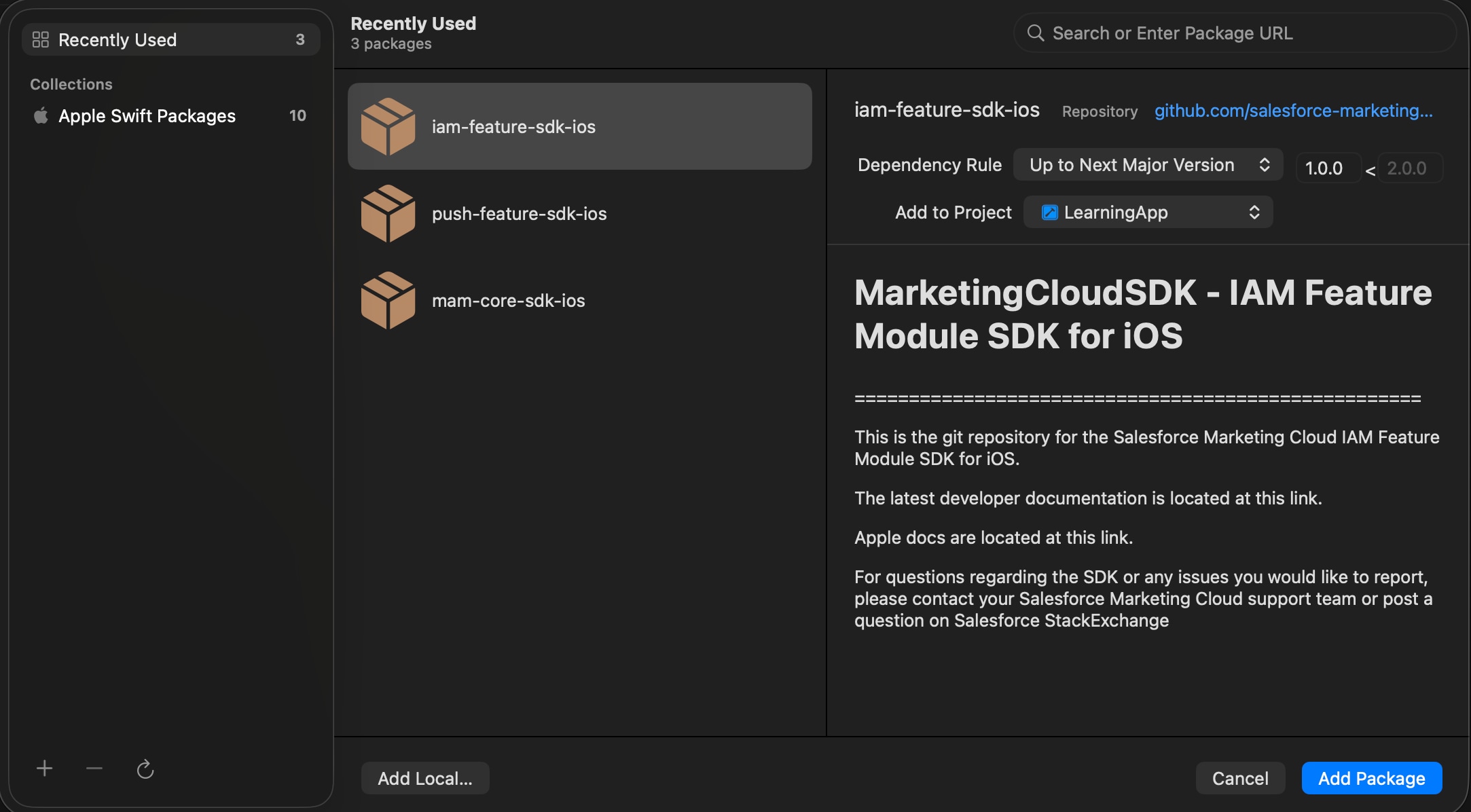
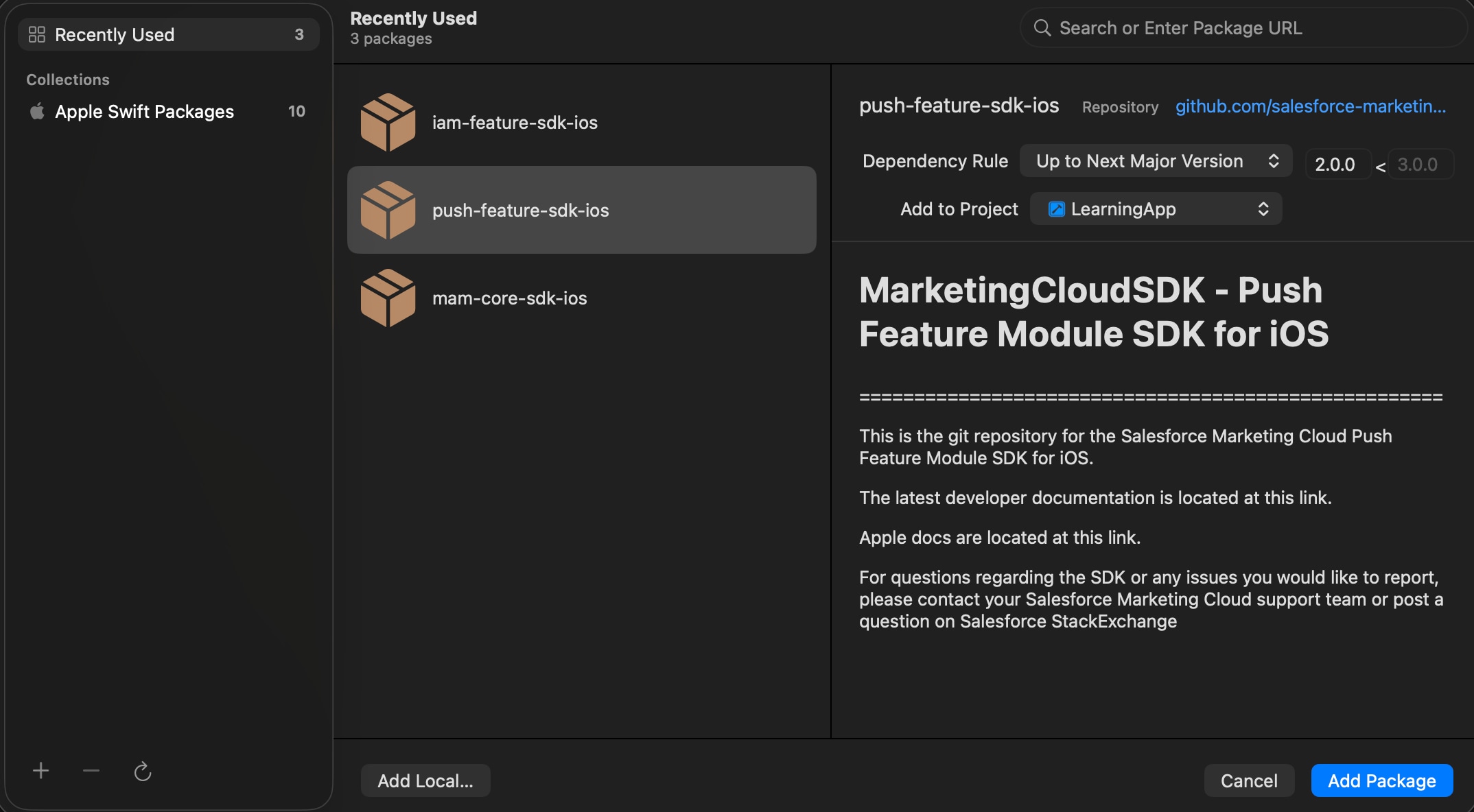
Search for Mobile App Messaging, In-App Messaging, and Push Messaging modules.
-
Select the packages to include them in your app.
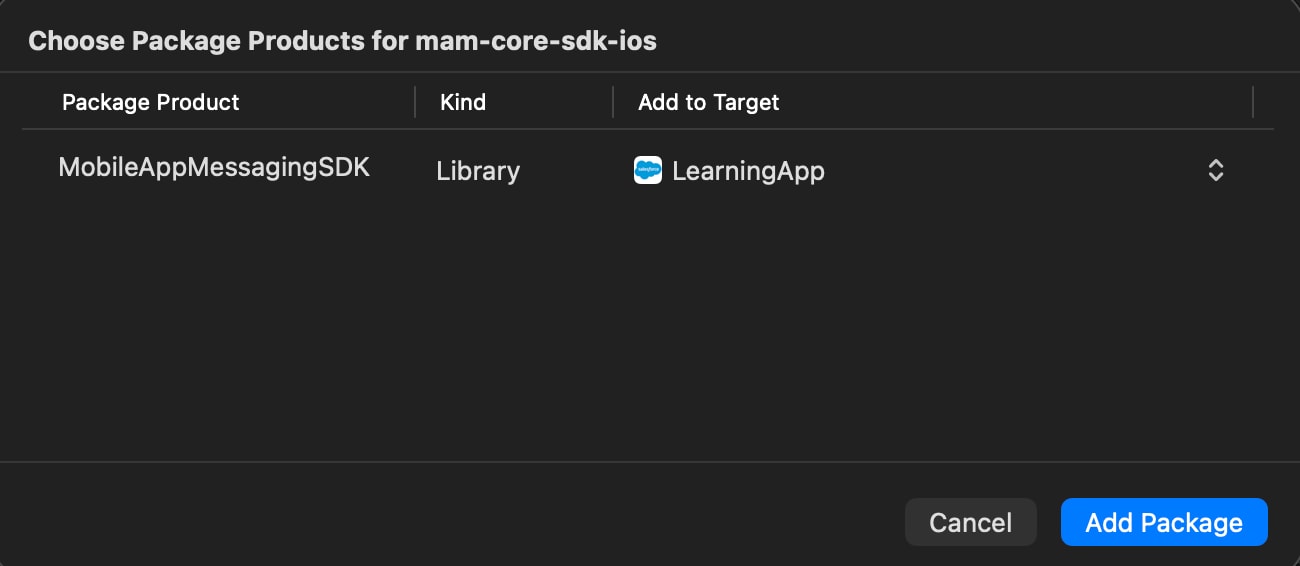
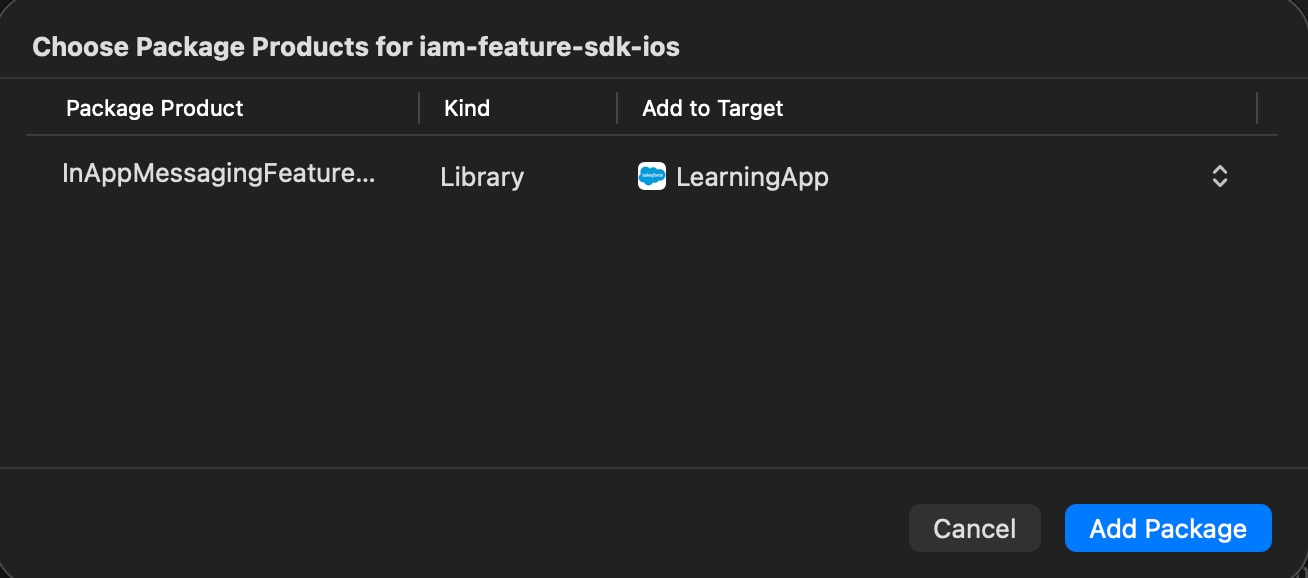
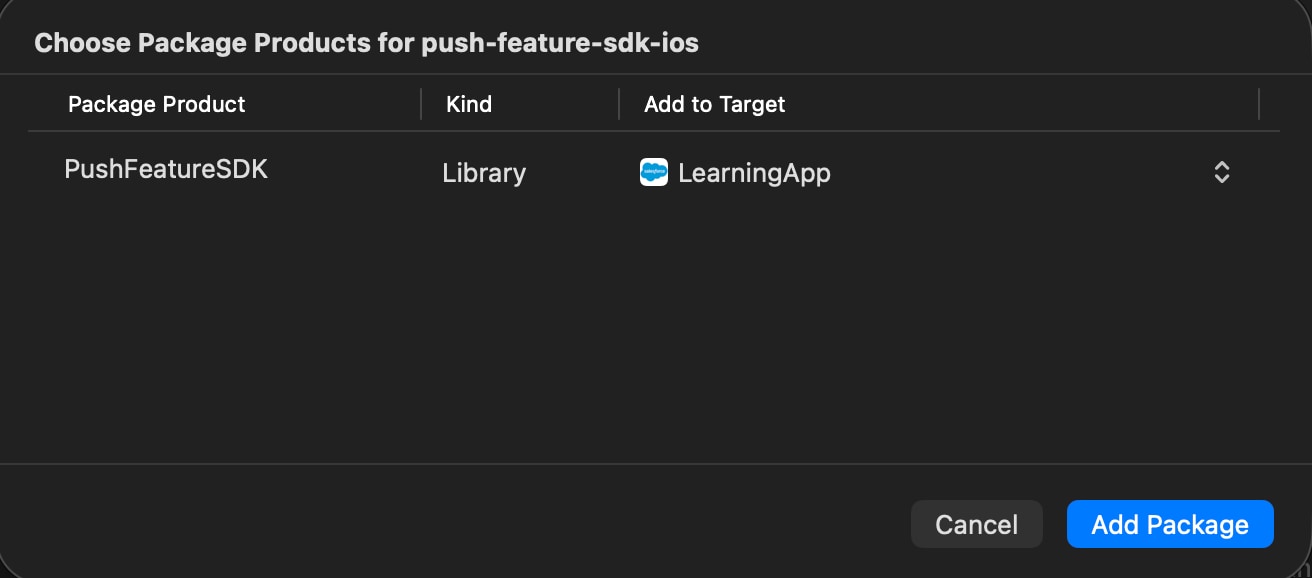
After you add the dependencies, configure the SDK.