


Introducing Agentforce Conversation Client
Agentforce Conversation Client (ACC) is the unified UI platform and framework for building Agentforce Employee Agent conversation experiences within Salesforce Lightning and external web applications. It provides the essential building blocks, such as the ACC panel, message rendering, input handling, and connection logic, required to deploy an Employee Agent.
Whenever you interact with an Agentforce Employee Agent—whether it’s a sidebar in Salesforce CRM, a Conversational UI on a Tableau dashboard, or Agentforce for Setup—it is likely running on ACC. Built for enterprise scale, the ACC framework reliably processes over 2.5 million actions across these user interfaces. ACC handles the heavy lifting of displaying text, streaming AI responses, and rendering interactive components so you don’t have to build a conversational interface from scratch.
Why Use ACC? (How It Delivers Value)
The ACC bridges the gap between raw AI data and a fully functional, interactive user experience. ACC provides the necessary front-end infrastructure to solve complex rendering challenges. By leveraging ACC, teams can:
- Reduce UI Rebuild Effort: Drop a pre-built ACC UI container into your app rather than coding an interface, and connection logic from scratch. Leverage built-in streaming infrastructure: ACC provides the complex infrastructure required to handle continuous, real-time token streaming, ensuring a natural and responsive conversational experience.
- Render Rich Components Dynamically: A key differentiating pattern of ACC is its ability to automatically render rich UI components using standard and custom Lightning Types natively within the conversation.
- Support Personalization at Runtime: ACC automatically interprets the Employee Agent’s response and renders the correct UI component on the fly without hard-coding.
- Enable Write Once, Deploy Anywhere: Support a consistent experience whether the Employee Agent is accessed by an employee in Service Cloud, a customer on a public website, or embedded in a custom app.
- Cross-Framework Compatibility: Built on the Lightning Out 2.0 platform as a Lightning Web Component Interface (LWCI), the ACC can be embedded into any non-LWC tech stack.
- Dynamic Flexibility: Developers can use natural language prompts to switch between Employee Agents or automate UI styling updates.
- Direct Agent Connection: Seamlessly connect your custom UI to Employee Agents configured with specific topics, actions, and instructions for domain-specific tasks.
Key Capabilities
-
Token-by-Token Streaming: ACC handles end-to-end token streaming for various content types, displaying true progress status updates in the ACC UI to indicate the current execution step, thereby reducing perceived latency.
-
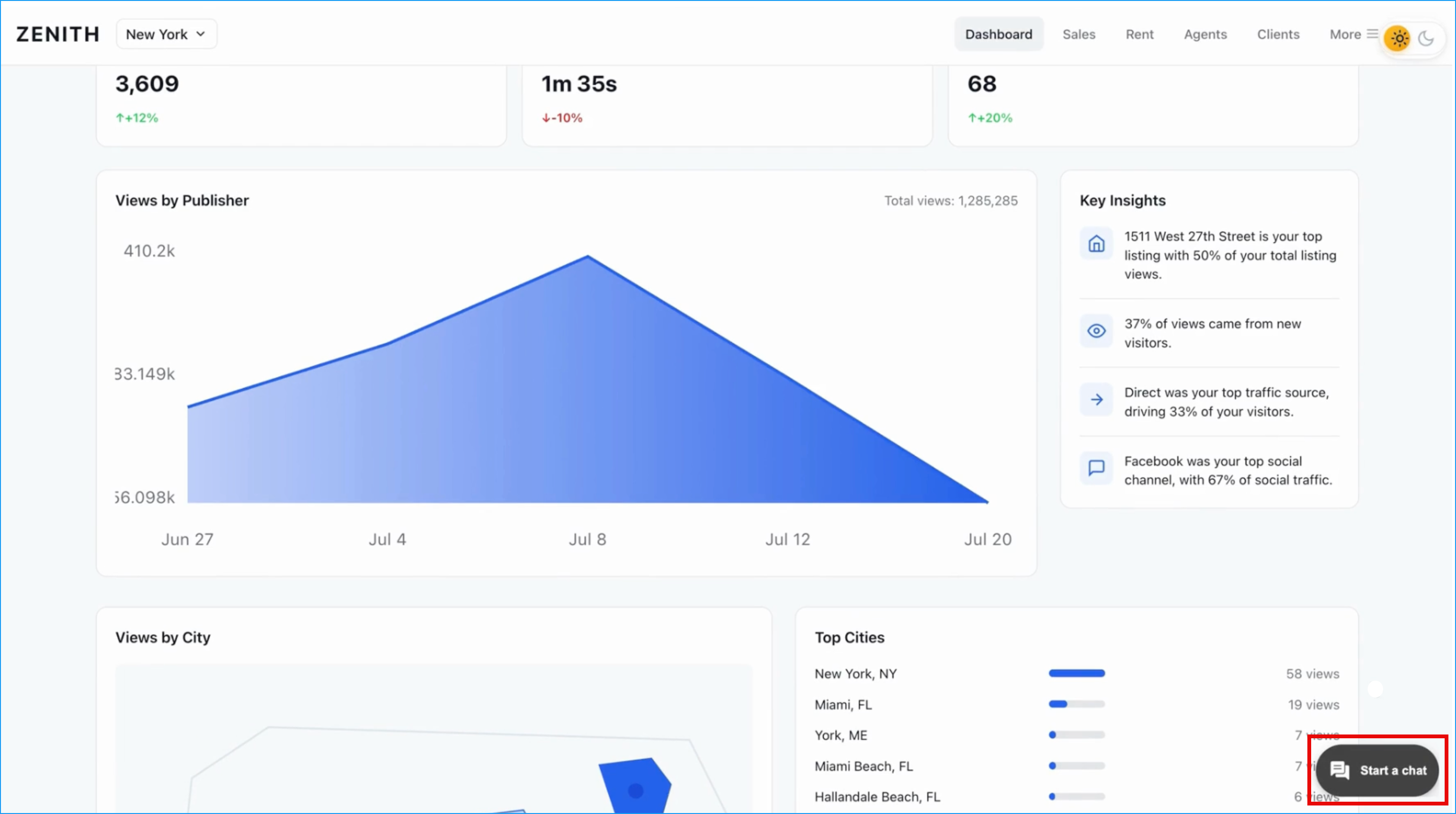
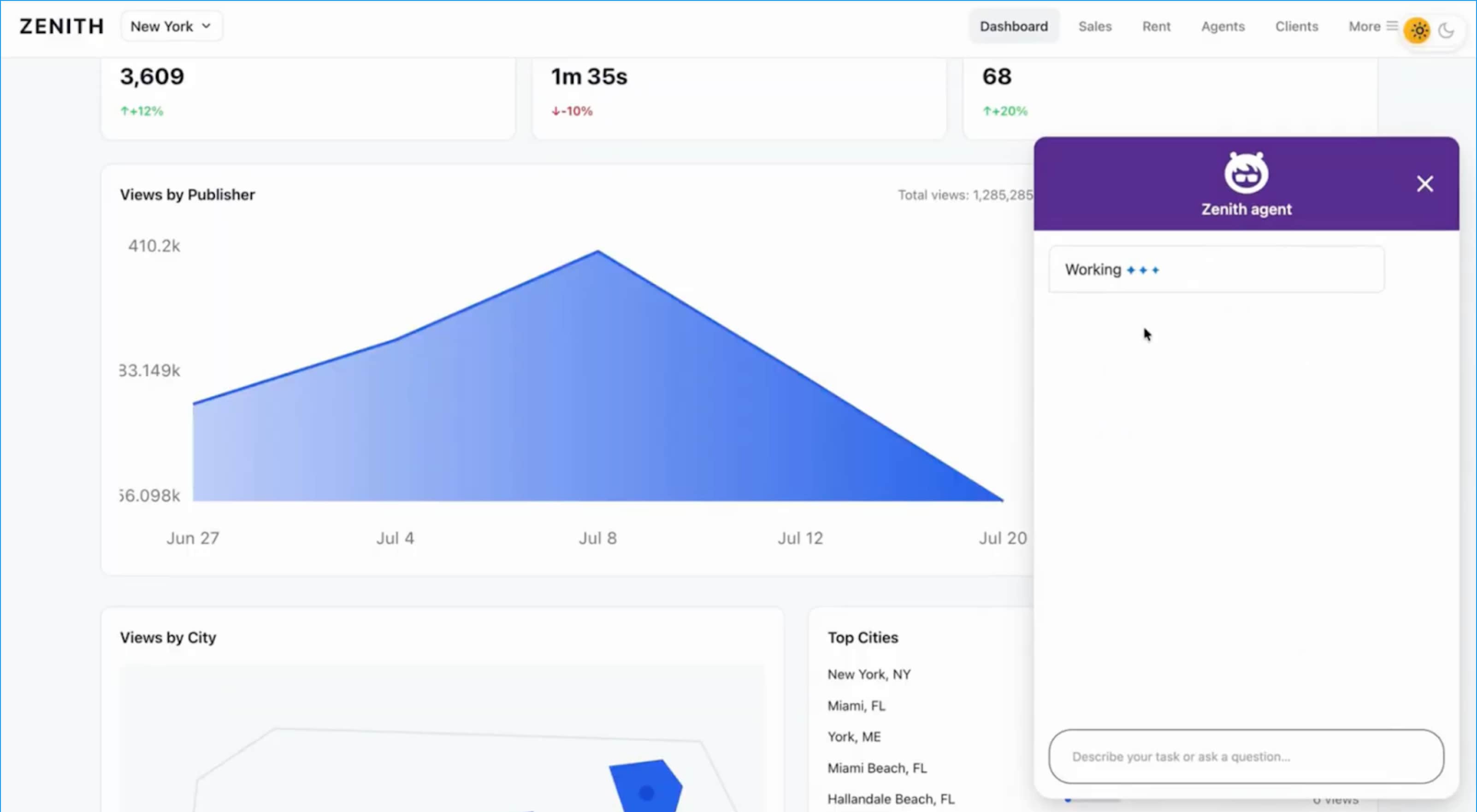
Conversation Entry Point: Provides a default Floating Action Button (FAB) experience that serves as the primary entry point for the Agentforce Conversation Client. Upon interaction, it initializes the conversational interface and displays a configured welcome message confirming a secure connection to the Agentforce Employee Agent.
-
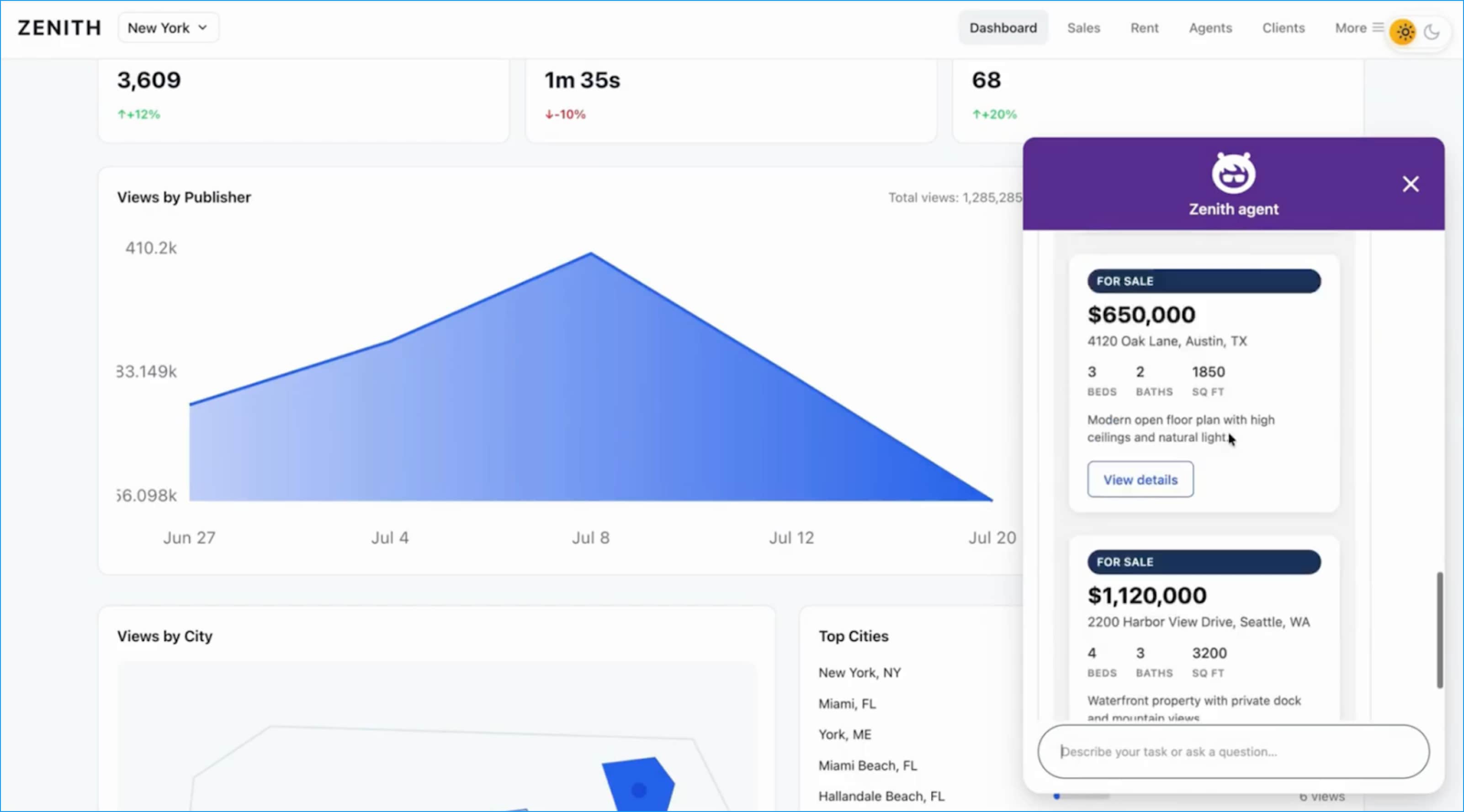
Lightning Types Integration: A primary differentiating pattern of the ACC that automatically maps Salesforce Lightning Types to the correct UI renderers for input, output, list, and picklist. This allows it to render complex, interactive UI components—such as flight bookings or property listings—directly within the React application. For more information about Lightning Types, see Lightning Types in Agent Action.
-
Dynamic Rendering Engine: Constructs UI components in real-time based on inputs from the Agentforce Employee Agent planner and Lightning type responses. The engine dynamically assembles elements on-the-fly and injects them into the designated panel.
-
Brand Styling and Theming: Provides customizable brand styling hooks (fonts, colors, borders, spacing) and component substitutions to match your custom branding.
-
Customizable UI Branding via SDK Tokens: Enables developers to use Agentforce Vibes and natural language prompts to refine the conversational interface. This capability utilizes the ACC SDK’s UI style tokens to systematically update elements like header colors and message block styling to match the host application’s branding.
-
Responsive Display Configurations (Inline Mode): The interface is highly responsive across various dashboard layouts and supports specialized configurations, specifically Inline Mode, which allows the ACC UI to be rendered inside a designated parent container within the internal React application.
See Also
Integrate Agentforce Conversation Client Web SDK with External Apps
 j
j