# Redirecting to a Standard Object List Page
For buttons or links that navigate a user to a standard tab, you can redirect the content to present a list of standard objects.
Create a Visualforce page with the following markup:
```visualforce
```
The user will see a page that resembles the following:
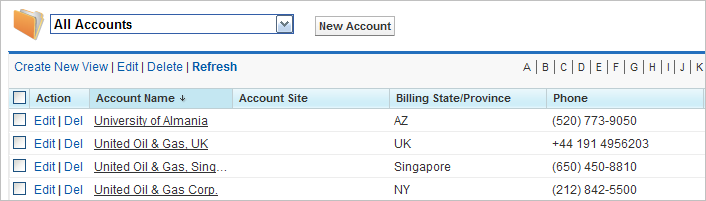
The Visualforce page can also refer to other standard objects, such as contacts, by changing the reference to the standard object. For example:
```visualforce
```