Install the Salesforce Development Plugin
Install the Salesforce Development plugin, then connect a Salesforce DX project and development org.
Use Salesforce Development with Claude Code or Codex. The official Claude Plugin Marketplace can list an older plugin version than the Salesforce marketplace. Check your installed version against the public changelog before you use a new capability.
Before you install the plugin, review usage telemetry and privacy. Telemetry is enabled by default. The reference explains what telemetry collects and how to opt out.
Install an AI coding client and the required tools:
- Claude Code 2.1.222 or later, or Codex CLI 0.145.0 or later with plugin support
- A Node.js long-term support (LTS) release
- Salesforce CLI
- Python 3.8 or later
You can install the Salesforce Development plugin without a connected Salesforce org, Salesforce Foundations, or an Agentforce license. To use workflows that access an org, connect and authenticate to that org. Individual workflows and MCP services can require additional Salesforce products, licenses, permissions, or activation. See Set Up a Salesforce DX Project and Development Org and MCP Servers and Project Context.
Plugin installation and service usage have separate requirements. For billing and credit consumption, review the applicable terms for the Salesforce services and coding client you use.
-
Review the Salesforce Development plugin listing in the official Claude Plugin Marketplace and the Salesforce Development plugin README for the current skills, commands, and component inventory.
-
From a terminal, install the plugin:
-
Start a Claude Code session and run
/pluginto verify that the plugin is installed and check its version.
To install the release published by Salesforce, use the Salesforce marketplace. In Claude Code, run:
Use one enabled copy of Salesforce Development at a time. If you switch marketplaces, disable the previous copy in /plugin, then run /reload-plugins.
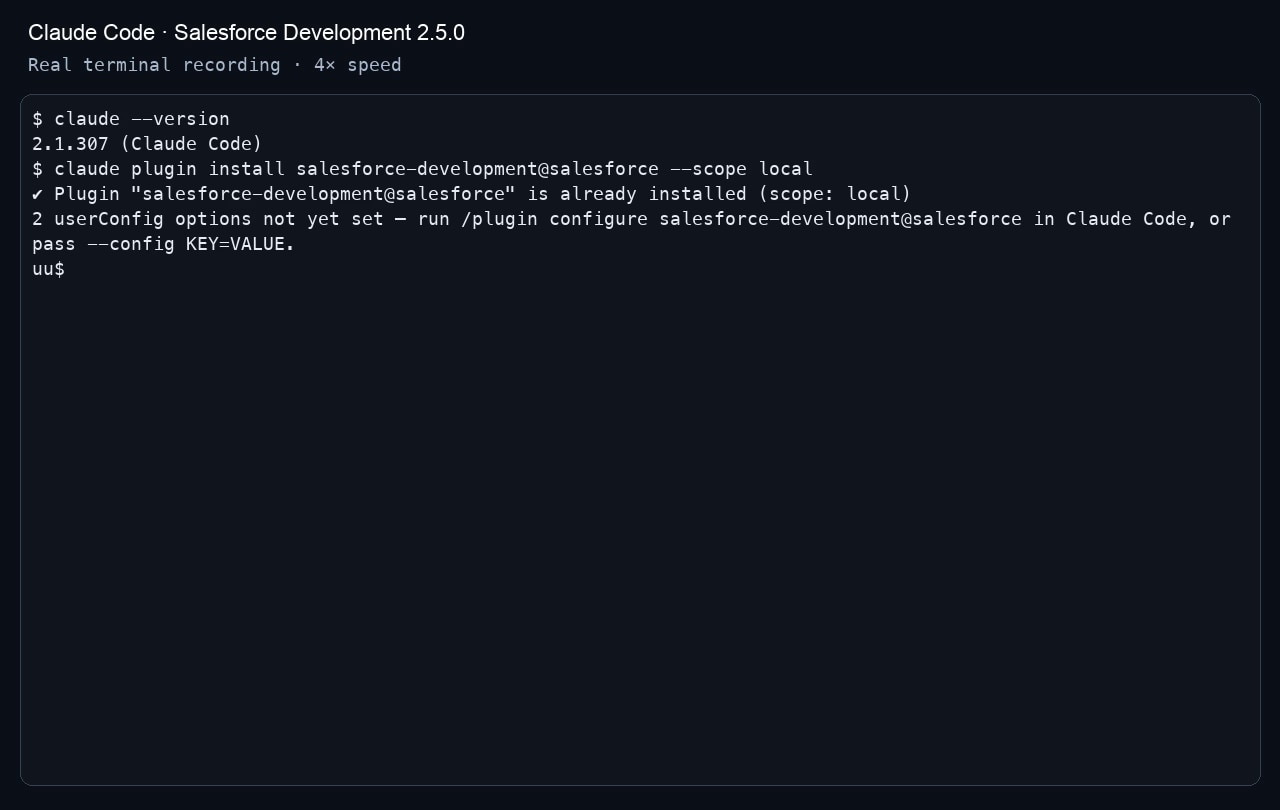
The terminal capture shows an existing Salesforce marketplace installation being verified.
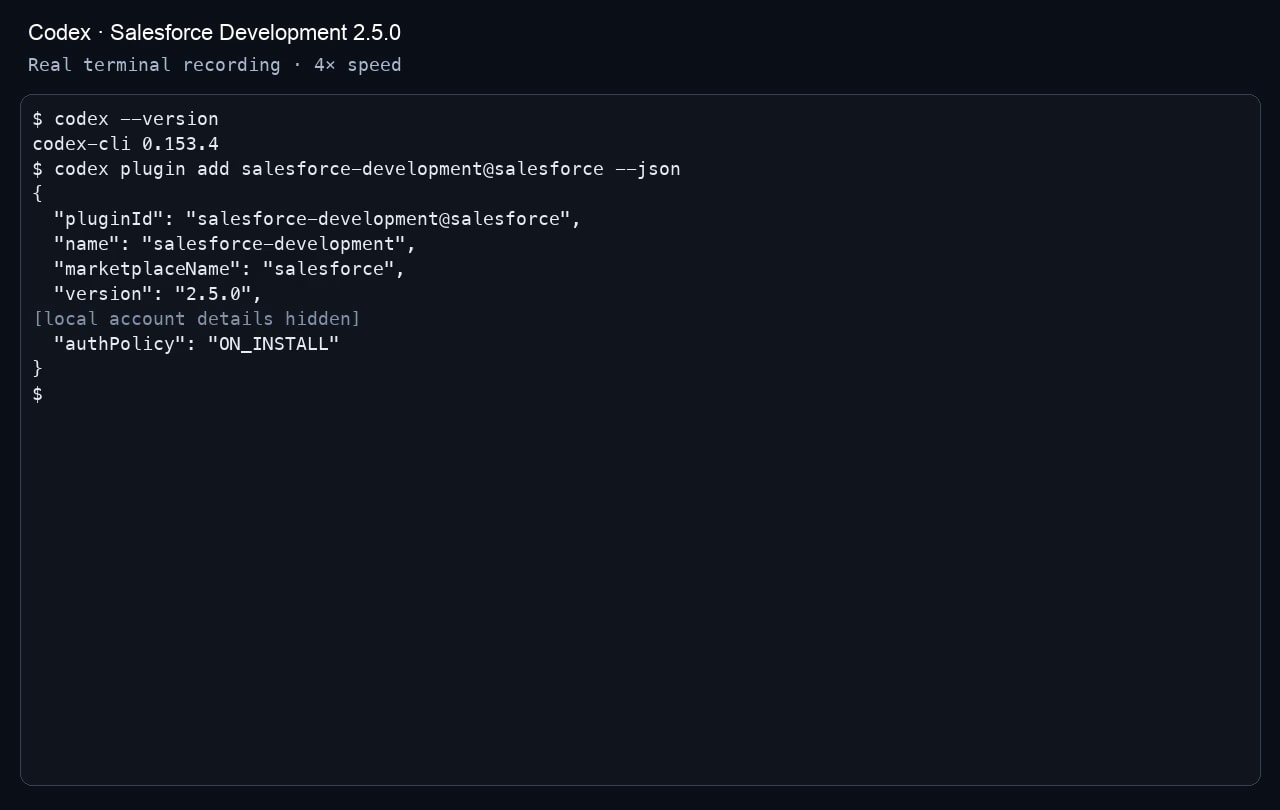
Add the public Salesforce marketplace and install Salesforce Development from your terminal.
-
Add the marketplace:
-
Install the plugin:
-
Start a new Codex session. Review and trust the plugin’s hooks with
/hooksbefore using its workflows.
The Codex hook adapter requires a POSIX host with Bash and Python 3.8 or later. Codex converts the plugin’s commands into skills during installation. Ask for a workflow in plain language, such as “run the Salesforce Development status workflow,” or choose it from the $ skill list. Install or update the plugin with Codex 0.145.0 or later to get these command skills, then start a new session after installation or settings changes.
The terminal capture shows an example installation. Your installed version can differ; check it against the plugin changelog.