Create and Run Anonymous Apex
An anonymous block is Apex code that you can compile and run without storing its metadata.
- Open VS Code Command Palette.
- Type SFDX: Create Anonymous Apex Script.
- Enter the name of the script and the folder to save it in.
- Modify the sample script in the text editor with your own code.
- Save the file. By default, the file saves under the
scriptsfolder.
Here’s an example of anonymous Apex code that browses through all the contacts, and changes the mailing state to New York from NY. This script also logs the first and last name of the contact whose record was updated.
-
Open your script in the text editor.
-
To run the whole script, right-click in the text editor and select SFDX: Execute Anonymous Apex with Currently Open Editor. To run only a part of the code, highlight the code, right-click, and select SFDX: Execute Anonymous Apex with Editor’s Selected Text.
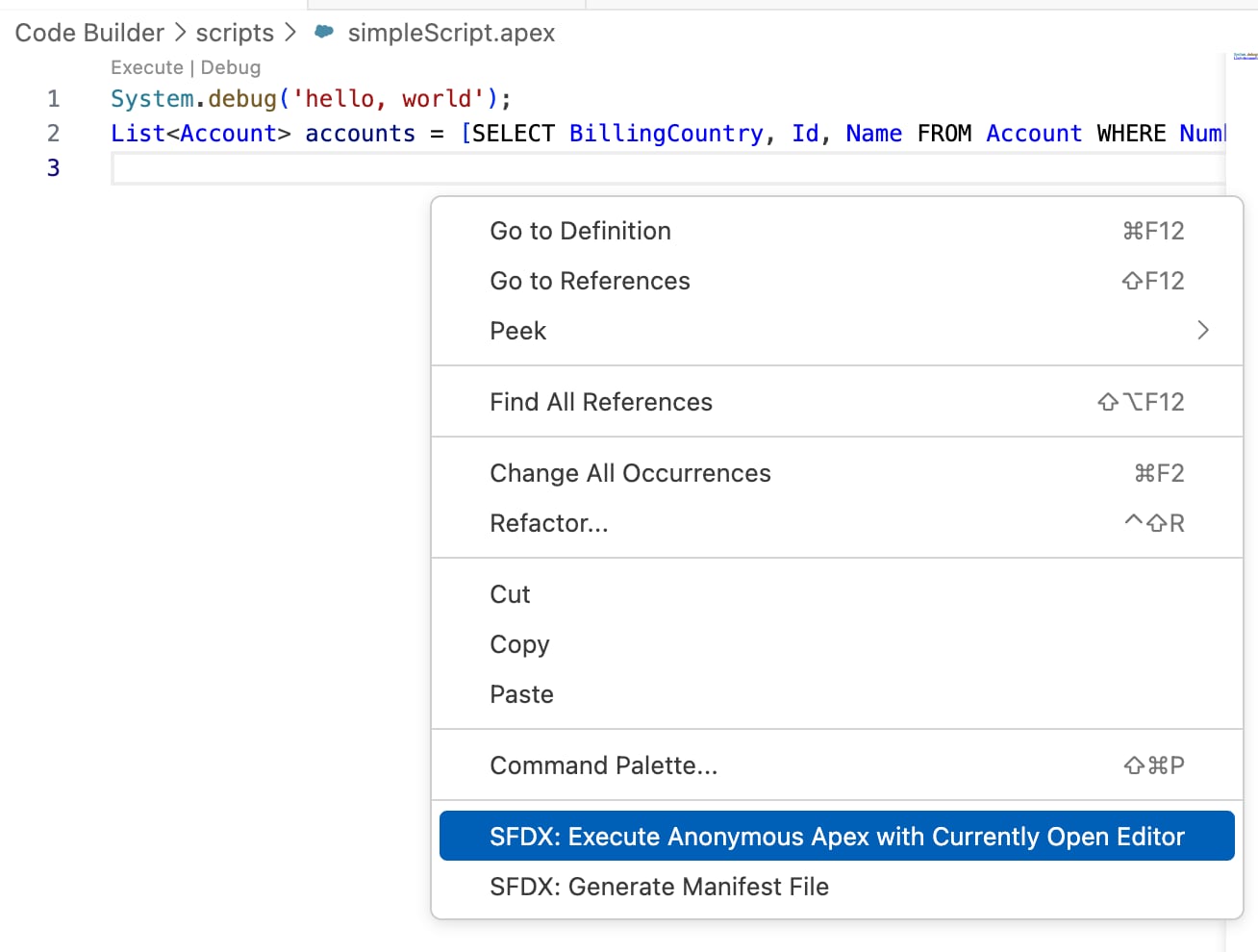
Alternatively, you can also run these commands from VS Code Command Palette when the script is open in the text editor.
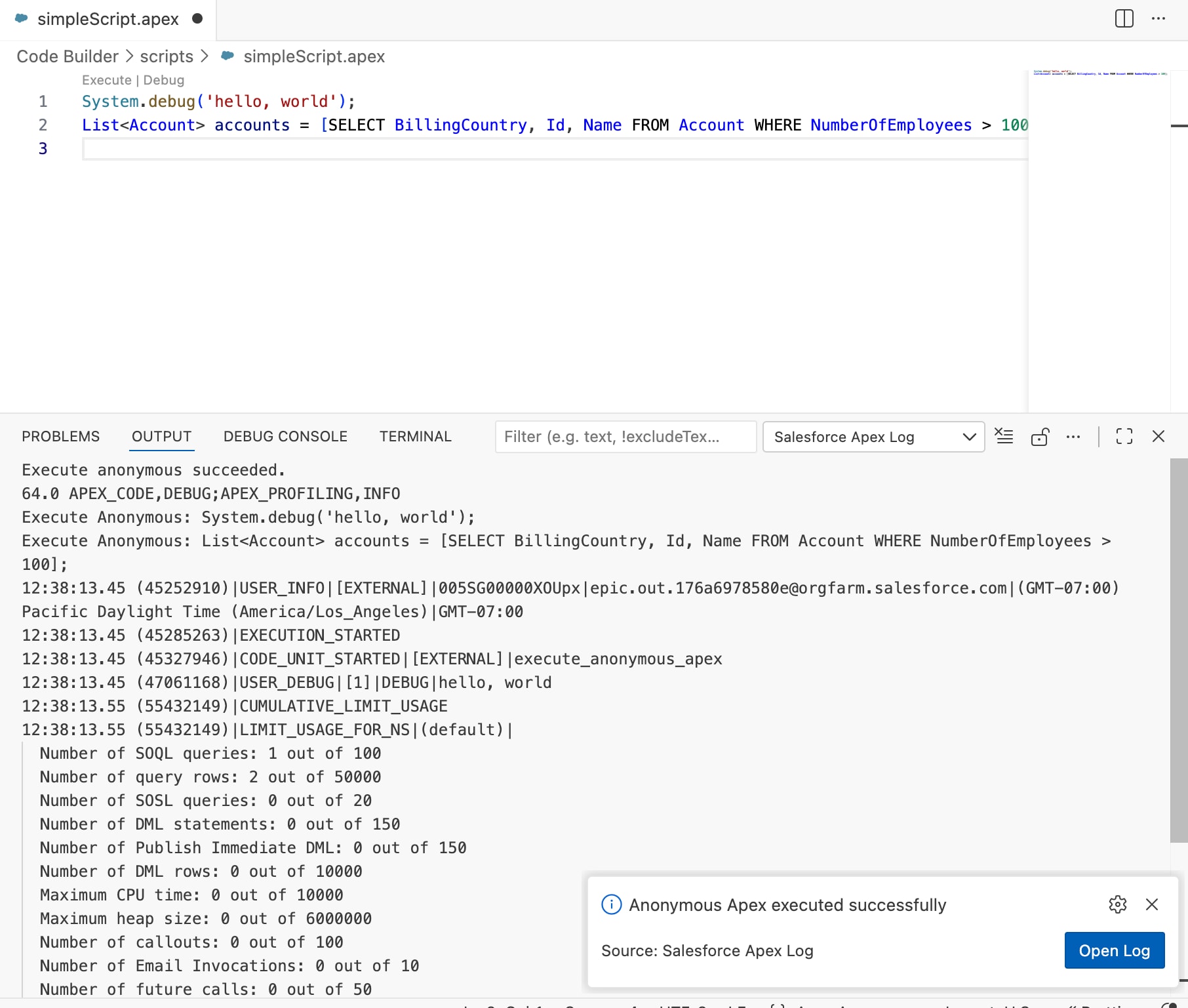
After you run the script, the DEBUG CONSOLE lists accounts and their updated ratings. To view the log in the Debug Log Viewer, click Open Log in the message.
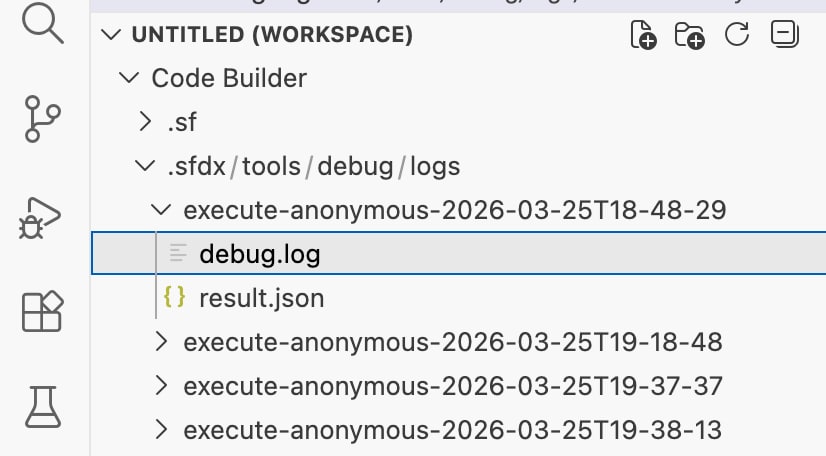
The debug logs are stored under sfdx/tools/debug/logs in your DX project. To open it in the Log Viewer, click a log file.
- Apex Developer Guide: Anonymous Blocks