Post-Chat Code Sample
Test and preview how post-chat pages work for your agents and customers using this code sample.
The legacy chat product is scheduled for retirement on February 14, 2026, and is in maintenance mode until then. During this phase, you can continue to use chat, but we no longer recommend that you implement new chat channels. To avoid service interruptions to your customers, migrate to Messaging for In-App and Web before that date. Messaging offers many of the chat features that you love plus asynchronous conversations that can be picked back up at any time. Learn about chat retirement in Help.
You can customize your post-chat page by including the variables you want to be displayed.
If the post-chat page is hosted on a site that requires an active session, long-running chats can lead to session timeout. If the customer is on the post-chat page and is redirected to a login page, the post-chat context variables are lost.
| Possible Variables | Description |
|---|---|
requestTime | The timestamp when the system received the chat request. |
startTime | The timestamp when the agent accepted the chat. |
deploymentId | The ID of the deployment. |
buttonId | The Id of the button that originated the chat. |
chatKey | The unique chat key. |
lastVisitedPage | The last visited page value sent to the agent. |
originalReferrer | The first page the customer visited containing the deployment code. |
latitude | Geo location latitude of the chat visitor. |
longitude | Geo location longitude of the chat visitor. |
city | Geo location city of the chat visitor. |
region | Geo location region of the chat visitor. |
country | Geo location country of the chat visitor. |
organization | Salesforce organization ID that hosted the chat. |
disconnectedBy | Reason for ending the chat. Possible values:
|
windowLanguage | Language of the window as configured in the chat button. |
chatDetails | A JSON representation of the chat data. |
transcript | A plain text copy of the transcript. |
attachedRecords | A list of IDs attached to the chat session in JSON array format. |
error | Description of any errors that occurred during the chat. |
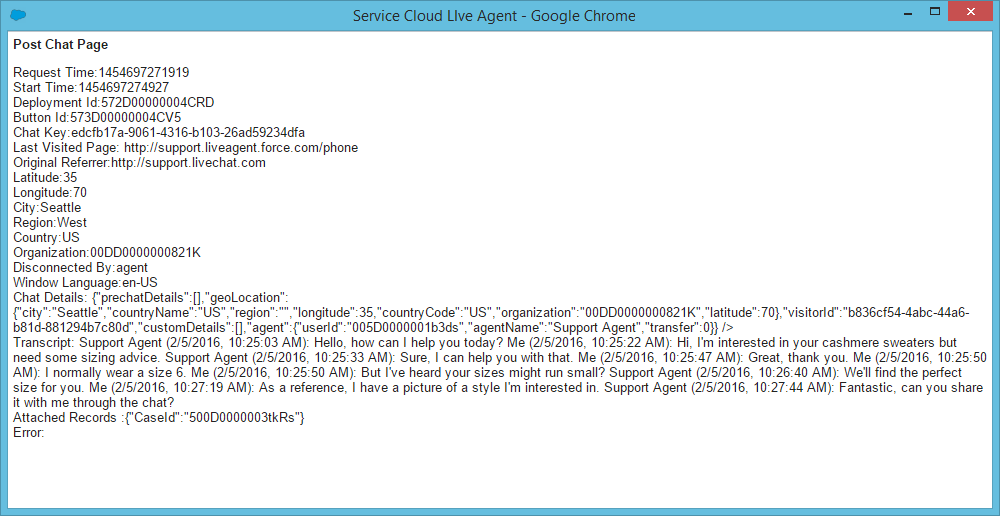
This code sample creates a post-chat page that includes basic information about the chat.
This code results in the following post-chat page for the agent:
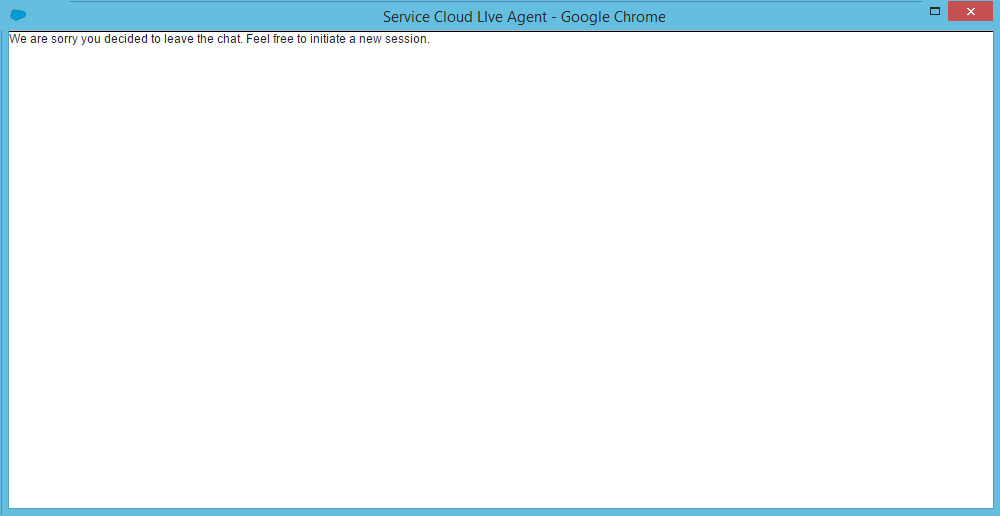
This message shows if the chat is abandoned: