Customize the Destination List for Call Transfers in Omni-Channel
Customize the list of transfer destinations to only show the destination types that apply when transferring calls for Omni-Channel.
During an in-progress call, reps can transfer a caller to any of the following transfer destination types through the Omni-Channel widget:
- Agent
- Contact
- Queue
- Flow
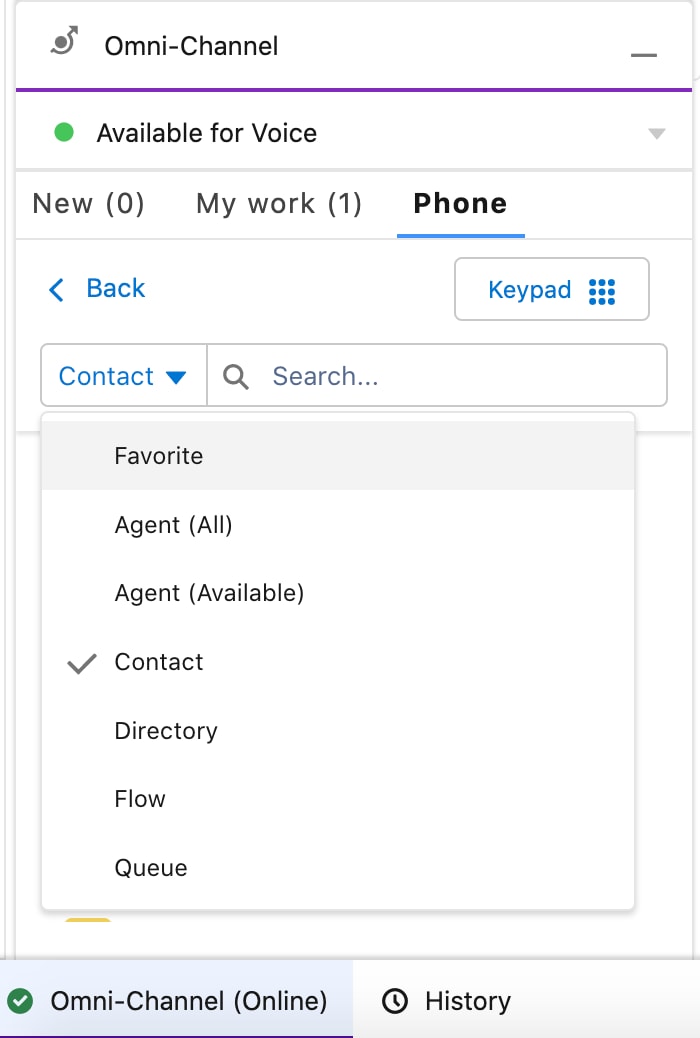
By default, the widget displays all transfer destination types, giving reps the option to transfer a call to a specific rep, contact, queue, or flow.
To customize the list so that only certain transfer destination types appear:
- Using the Connector API, set the value of
contactTypesinPhoneContactsResultto the list of transfer destination types you want to appear in the Omni-Channel widget. IfcontactTypesisn’t set, all transfer destination types are listed in the widget for reps to pick from.
See Also