


Salesforce1 App Developer Guide
 j
j
No Results
Search Tips:
- Please consider misspellings
- Try different search keywords
Configure Who Can Access the Shipify Canvas App
You’ve created the canvas app, but no one can see
it until you configure user access.
- From Setup, click .
- Click the Shipify app, and then click Edit.
- In the Permitted Users drop-down list, select Admin approved
users are pre-authorized. Click OK on the pop-up
message that appears.
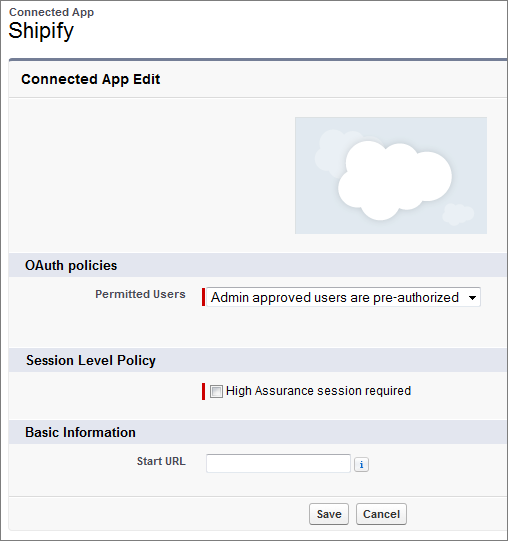
- Click Save.Now you’ll define who can see your canvas app. This can be done using profiles and permission sets. In this example, we’ll allow anyone with the System Administrator profile to access the app.
- On the Connected App Detail page, in the Profiles related list, click Manage Profiles.
- Select the System Administrator profile and click Save.
That’s it! The next step is to set up some environment variables on Heroku.