Salesforce1 Mobile App Developer Guide
 j
jTest the Lightning Page in Salesforce1
- Open the Salesforce1 app on your mobile device.
- Tap
 to access the navigation menu.
 -
Scroll down to the Apps section.This section contains any menu item that was put below the Smart Search Items element, whether it’s really an “app” or not.
-
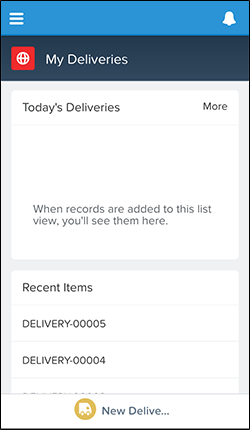
Tap My Deliveries.You’re taken to the Lightning Page. The “My Deliveries” label is at the top, and we see two list cards representing Today’s Deliveries and Recent Items. There aren’t any deliveries scheduled for today, so the first list view is empty.
Example
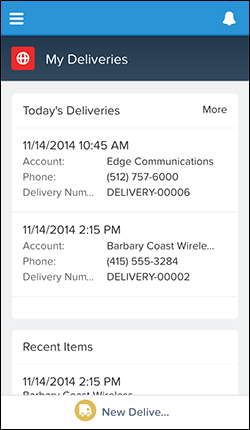
The Today’s Deliveries component picks up any delivery scheduled for today’s
date with a status of “In Transit”. If we did have some records in our developer
organization that matched those requirements, our Lightning Page might look like this: