Salesforce1 Mobile App Developer Guide
 j
jPut Important Information at the Top
Put the most essential information at the top of the screen
so that it’s immediately visible to the user and easy to access.
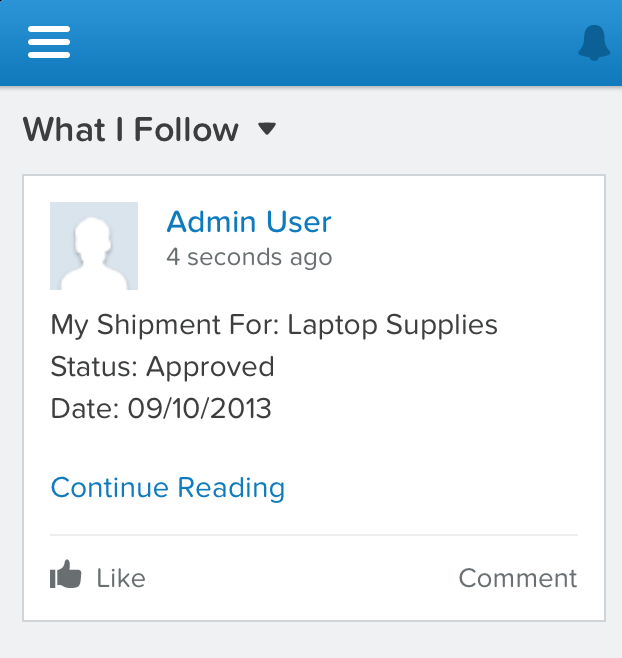
For example, on a screen that the mobile technician uses to see all their repair appointments, put the most important customer data such as name, address, and phone number at the top. For each screen, identify what the user’s task is and what data they need to accomplish that task. Another example is if you’re generating feed items, the text should be as concise as possible and the most important information should be at the beginning of the post, as shown in the following example.