


Force.com Streaming API Developer Guide
 j
jNewer Version Available
Step 3: Create a Streaming Channel
You must have the appropriate Streaming API permissions enabled in your org.
Create a StreamingChannel object by using the Salesforce UI.
- Log in to your Developer Edition org.
- Under All Tabs (+), select Streaming Channels.
- On the Streaming Channels tab, click New to create a Streaming Channel.
-
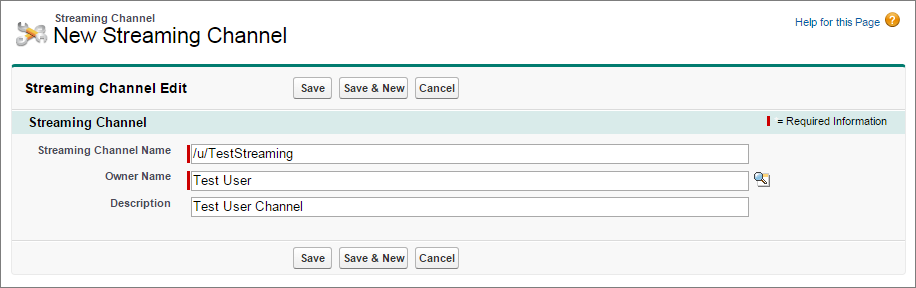
Enter /u/TestStreaming in Streaming Channel
Name and add an optional description. Your new Streaming Channel page looks
something like this:
- Click Save. You now have a streaming channel that clients can subscribe to for notifications.
StreamingChannel is a regular, createable Salesforce object, so you can also create one programmatically using Apex or a data API like SOAP API or REST API. For more information, see StreamingChannel.