


ISVforce Guide
 j
jNewer Version Available
Delete a Draft Order
You can delete orders that you no longer need, such as duplicates, to reduce clutter in
the Channel Order App. To delete an order, Order Status must be Draft. Once you delete an order, you can’t recover it
later.
- In the Force.com App menu, select Partner Order.
- On the Orders tab, find the draft order that you want to delete, and then select Edit.
-
Select Delete Order.
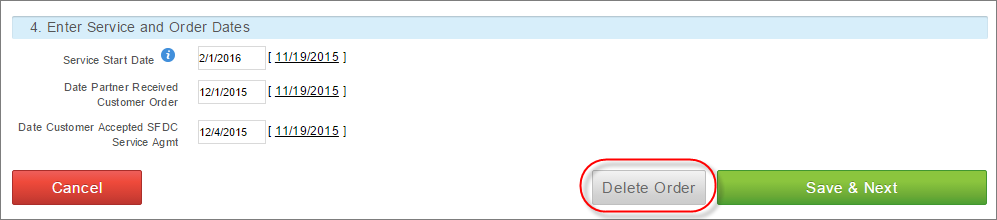
- Confirm that you want to delete the order by selecting Delete.