


Force.com IDE Developer Guide
 j
jManage Debugging Sessions
Any of your org’s sandboxes can use the Apex Debugger licenses
that you purchase for your parent org. Track and manage your sandbox orgs’ sessions in
Setup.
-
From Setup, enter Apex Debugger in the Quick
Find box, then select Apex Debugger.
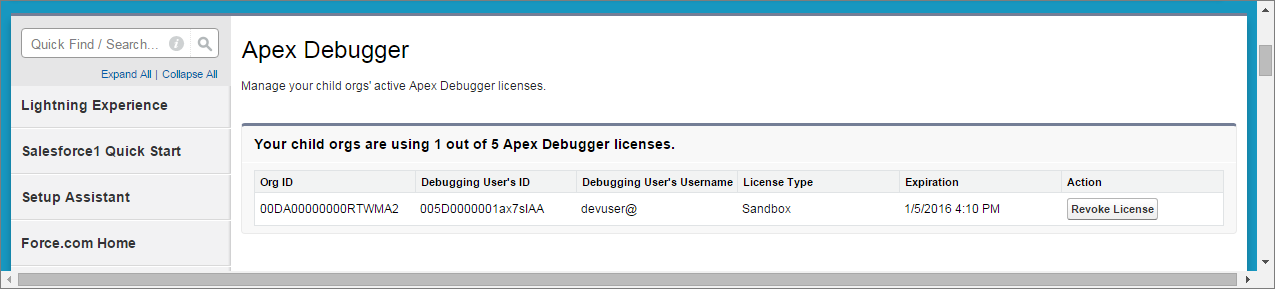
- If desired, contact the debugging user whose license you plan to revoke.
-
To end the debugging session that you want to terminate, select
Revoke License.
The debugging session ends, and a license is freed up. The next user who initiates a debugging session consumes the available license. The user whose session you terminated isn’t prevented from starting future sessions.