


Industries REST API Developer Guide
 j
jFilter Results
Filter the fields returned by a GET request so that you see only the values you
want.
- Enter Custom Settings in the Quick Find box or select from Setup.
- Find Individual Excluded Fields in the Label column, and click
the label.
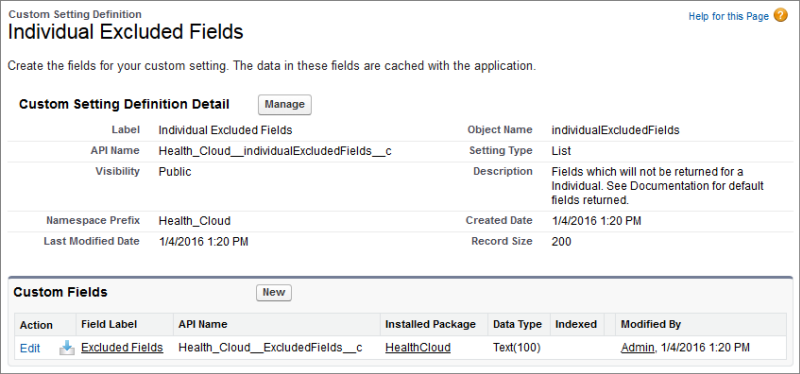
- Click Manage on the next screen.
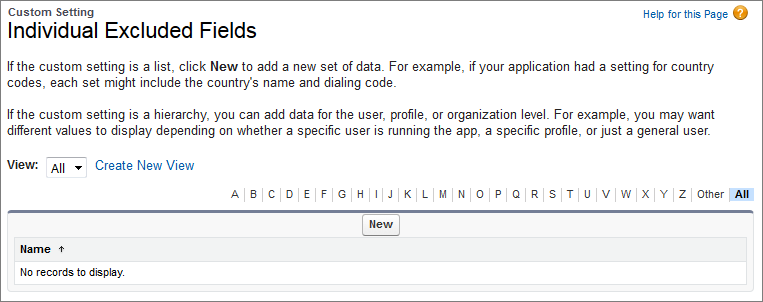
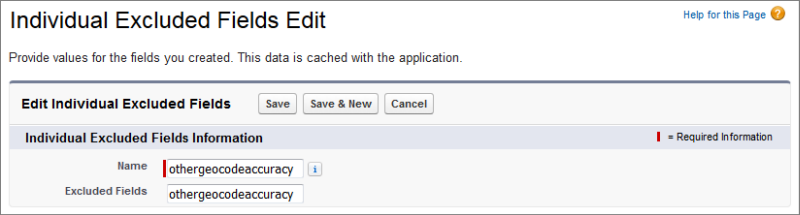
- Click New and enter a field name. Don’t include the namespace as
part of the field name.
For more information, search for “Custom Settings” in the Salesforce help.