


Force.com Platform Fundamentals
 j
jLook at What We've Done
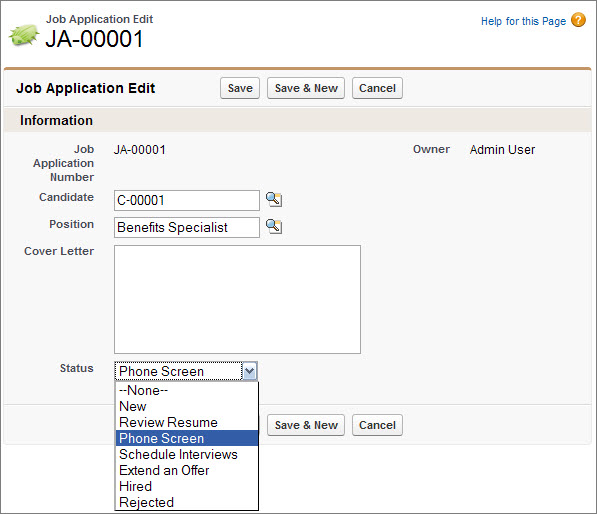
Tada! If you click on the new Job Applications tab and click New, you'll see the Candidate lookup field, a Position lookup field, the candidate's cover letter, and a Status picklist field.
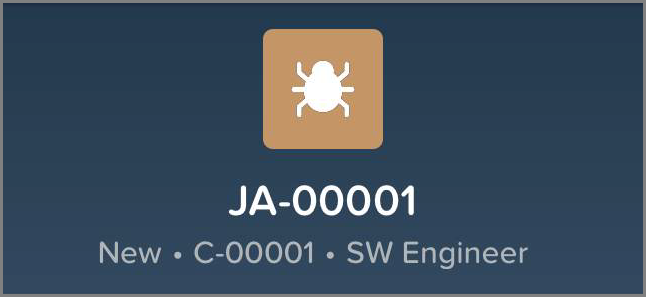
Don’t forget to launch the Salesforce app to see our new compact layout in action. Now mobile users will see important details without having to scroll through a list of fields.
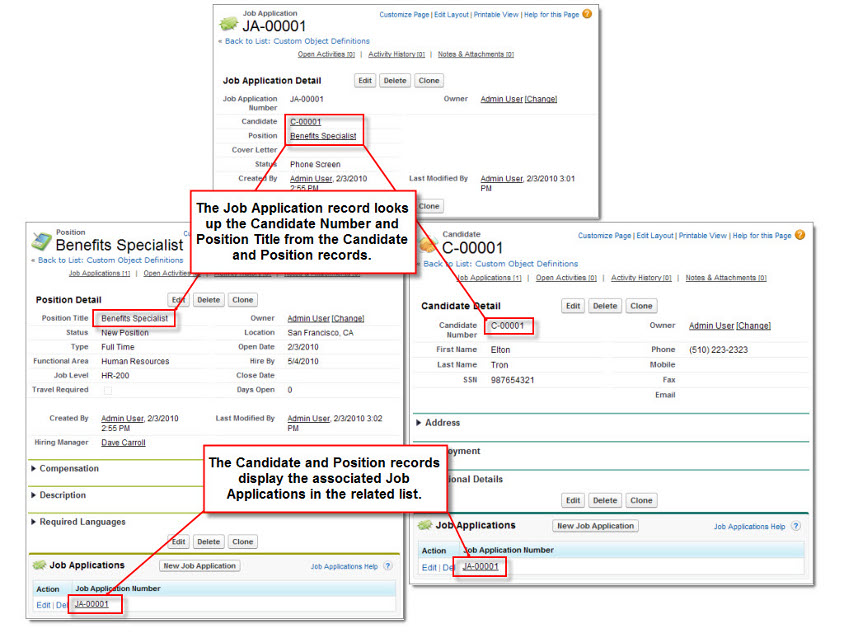
But there's more! Because we've built a couple of lookup relationships, our candidate and position record detail pages now each have a new Job Applications related list. And the Job Application detail page includes links to the candidate and position records that it references. All three objects are now related and linked to one another!
Before we move on, let's see if we can clean up the usability of our app a bit more so our users don't have to identify candidates and job applications by number when they click the lookup button in the Job Application edit page, or when they look at the Job Applications related list on the Candidate or Position detail pages.