


Lightning Components Developer Guide
 j
jNewer Version Available
Components with Minimum API Version Requirements
- The custom component can extend from the component with the minimum version requirement.
- The custom component can add another component as a child component in markup.
- The custom component can dynamically create and add a child component in JavaScript.
In cases where the relationship between components can be determined by static analysis, the version dependency is checked when the component is saved. If a custom component has an API version earlier than a minimum version required by any of the components used, an error is reported, and the component isn’t saved. Depending on the tool you’re using, this error is presented in different ways.
If a component is created dynamically, it isn’t possible to determine the relationship between it and its parent component at save time. Instead, the minimum version requirement is checked at run time, and if it fails a run-time error is reported to the current user.
Set the API version for your component in the Developer
Console, the Force.com IDE, or via API.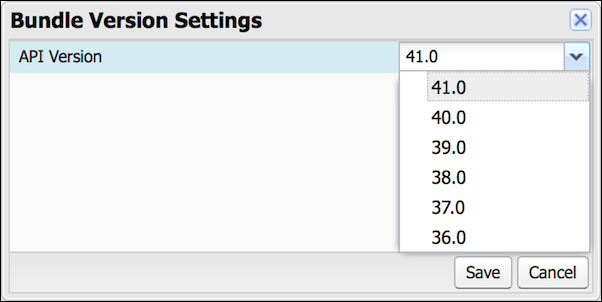
Versioning of Built-In Components
The minimum API version required to use a built-in component is listed on the component’s reference page in the Lightning Components Developer Guide. Components that don’t specify a minimum API version are usable with any API version supported for Lightning components.
The minimum version for built-in components that are Generally Available (GA) won’t increase in future releases. (However, as with Visualforce components, their behavior might change depending on the API version of the containing component.)