


ISVforce Guide
 j
jNewer Version Available
View the AppExchange Trailblazer Scorecard
To track the progress of your Salesforce partnership, view your company’s AppExchange
Trailblazer Scorecard. The scorecard is available in the Publishing Console on the Partner
Community.
| User Permissions Needed | |
|---|---|
| To view the scorecard: | Manage Listings |
- Log in to the Partner Community.
- Click Publishing.
- Click Listings.
-
Click View Scorecard.
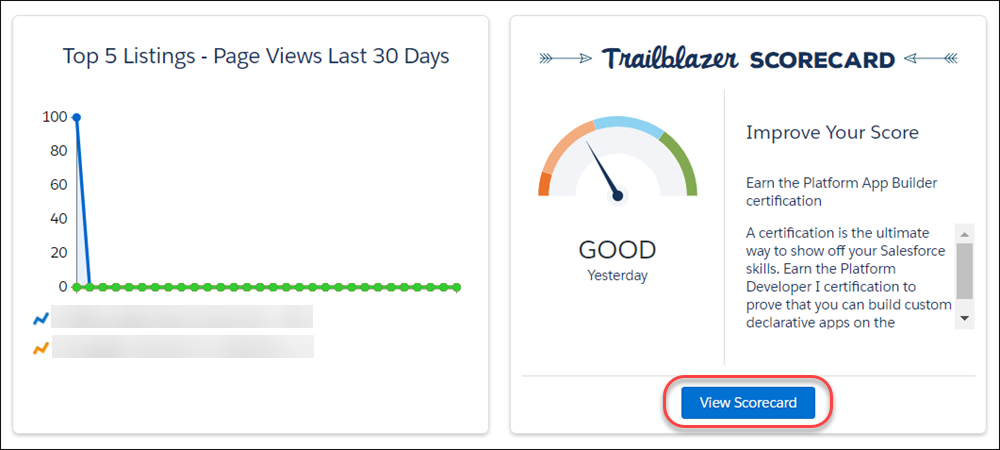
To see steps that you can take to improve your score, check the scorecard’s
recommendations.