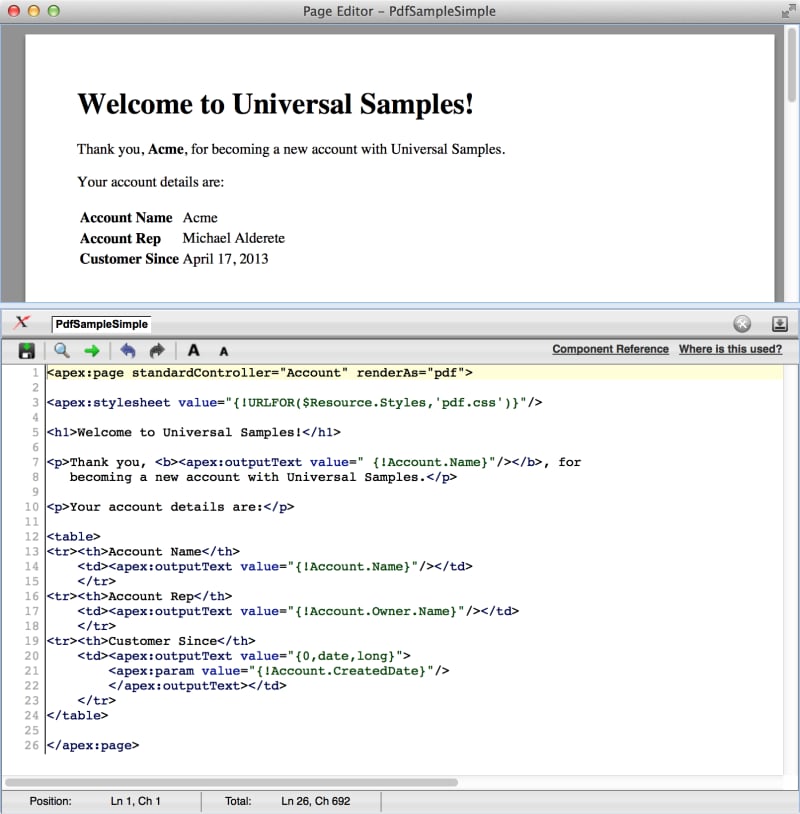
1<apex:page standardController="Account" renderAs="pdf">
2
3<-- Placeholder CSS file, supply your own, with your branding, etc. -->
4<apex:stylesheet value="{!URLFOR($Resource.Styles,'pdf.css')}"/>
5
6<h1>Welcome to Universal Samples!</h1>
7
8<p>Thank you, <b><apex:outputText value=" {!Account.Name}"/></b>, for
9   becoming a new account with Universal Samples.</p>
10
11<p>Your account details are:</p>
12
13<table>
14<tr><th>Account Name</th>
15    <td><apex:outputText value="{!Account.Name}"/></td>
16    </tr>
17<tr><th>Account Rep</th>
18    <td><apex:outputText value="{!Account.Owner.Name}"/></td>
19    </tr>
20<tr><th>Customer Since</th>
21    <td><apex:outputText value="{0,date,long}">
22        <apex:param value="{!Account.CreatedDate}"/>
23        </apex:outputText></td>
24    </tr>
25</table>
26
27</apex:page>


 j
j