


Big Objects Implementation Guide
 j
jNewer Version Available
Async SOQL
| Available in: both Salesforce Classic and Lightning Experience |
| Available in: Enterprise, Performance, Unlimited, and
Developer Editions for up to 1 million records Extra record capacity and Async SOQL query available as an add-on license. |
Async SOQL is implemented as a RESTful API that enables you to run queries in the familiar syntax of SOQL. Because of its asynchronous operation, you can subset, join, and create more complex queries and not be subject to timeout limits. This situation is ideal when you have millions or billions of records and need more performant processing than is possible using synchronous SOQL. The results of each query are deposited into an object you specify, which can be a standard object, custom object, or big object.
The limit for Async SOQL queries is one concurrent query at a time.
Async SOQL Versus SOQL
SOQL and Async SOQL provide many of the same capabilities. So when would you use an Async SOQL query instead of standard SOQL?
- You want to display the results in the UI without having the user wait for results.
- You want results returned immediately for manipulation within a block of Apex code.
- You know that the query returns a small amount of data.
- You are querying against millions of records.
- You want to ensure that your query completes.
- You do not need to do aggregate queries or filtering outside of the index.
Use Case: Create a Working Dataset with Filtering
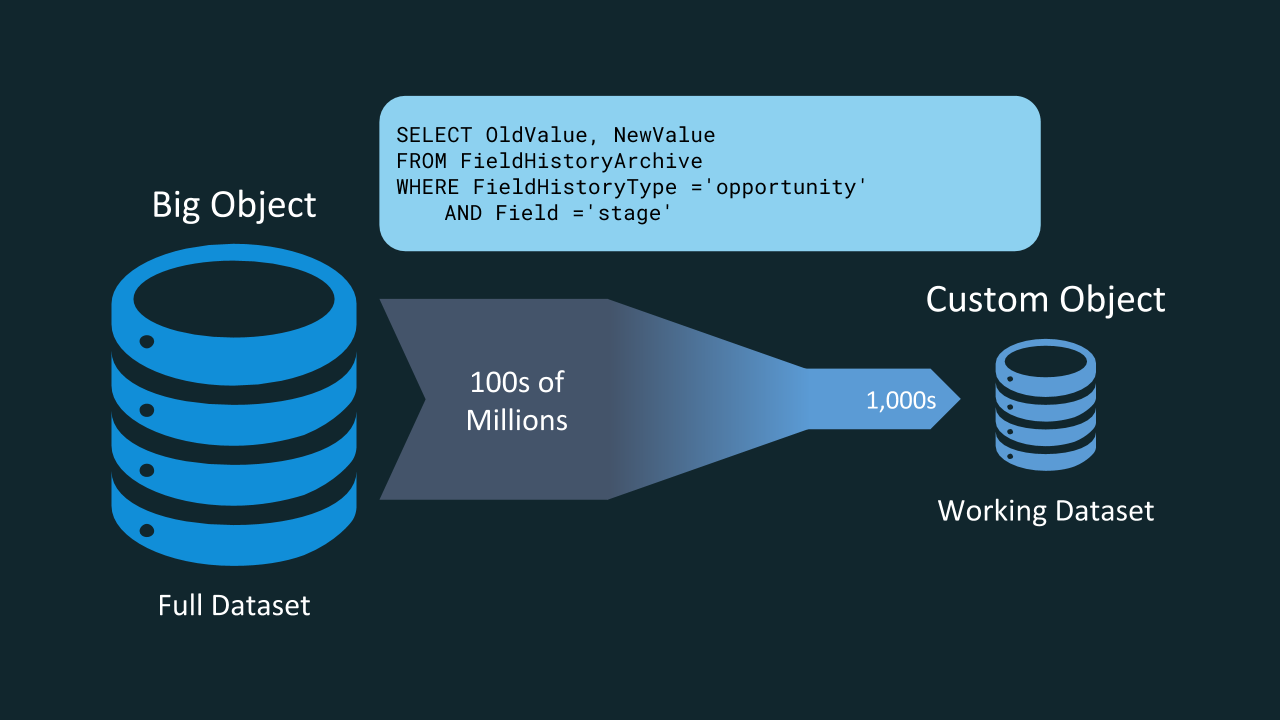
For example, let’s say that you want to analyze the years and years of opportunity history collected by Salesforce. The results could help you identify which current and future opportunities are more likely to close and give you a better picture of your forecast. But because the opportunity history data is stored with all the field history data across the application, the volume of data is too large to query directly. That’s where Async SOQL comes in! You can use it to write a query that extracts a smaller, representative subset of the data that you’re interested. You can store this working dataset in a custom object and use it in reports, dashboards, or any other Lightning Platform feature.
Use Case: Create a Working Dataset with Coarse Aggregations
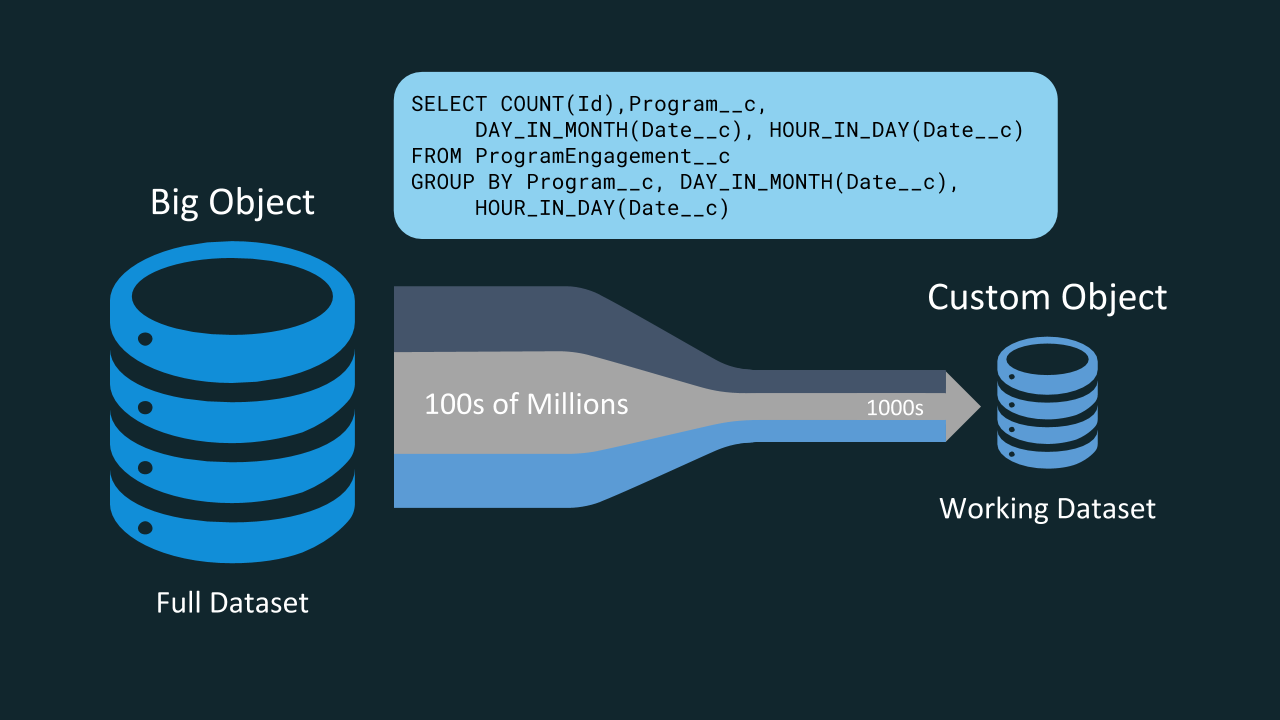
With big objects, you can now bring a much finer level of detail into your applications using data that you already have. For example, every interaction an individual has with your marketing campaign is stored as data that you can use, but it’s unwieldy in its raw form. Async SOQL allows you to aggregate that data by campaign and day and to extract the relevant details of the full dataset into a smaller, usable dataset. As in the previous example, the smaller working set can live in a custom object and be used in your reports and dashboards.