Customer Data Platform Developer Guide
 j
jRetrieve S3 Connector Metadata with Workbench
You can retrieve the metadata of an S3 Connector by using Workbench.
Complete the prerequisite of Defining the Metadata of S3
Connector
-
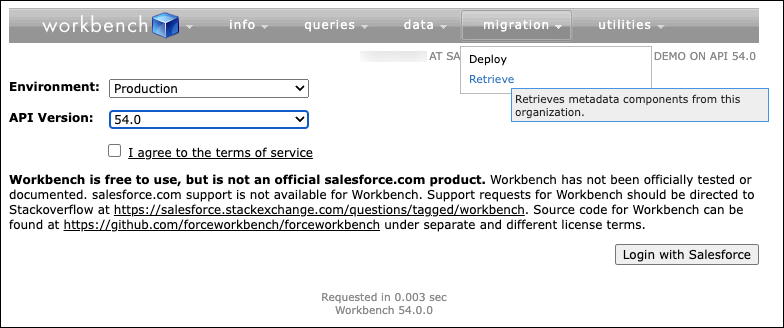
Log in to Workbench, click migration and select
Retrieve.
-
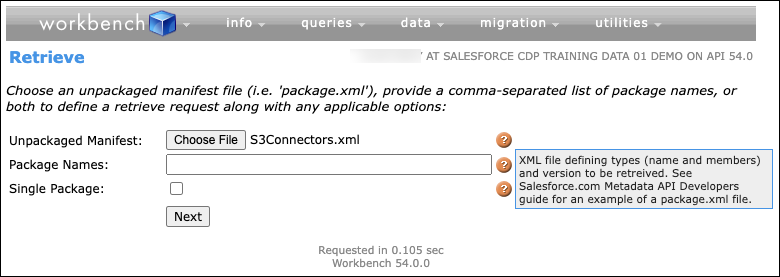
Click Choose File and supply the unpackaged
xml. Click Next.
The file referenced in the command must be the name of the unpackage.xml created in Defining the Metadata of S3 Connector step.
-
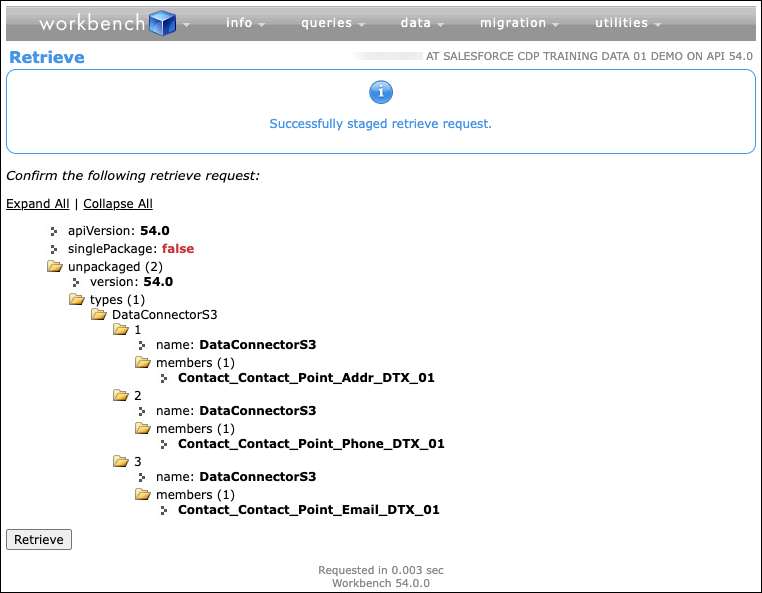
Review the staged retrieve request and click Retrieve.
In this screenshot Expand All link is clicked.
-
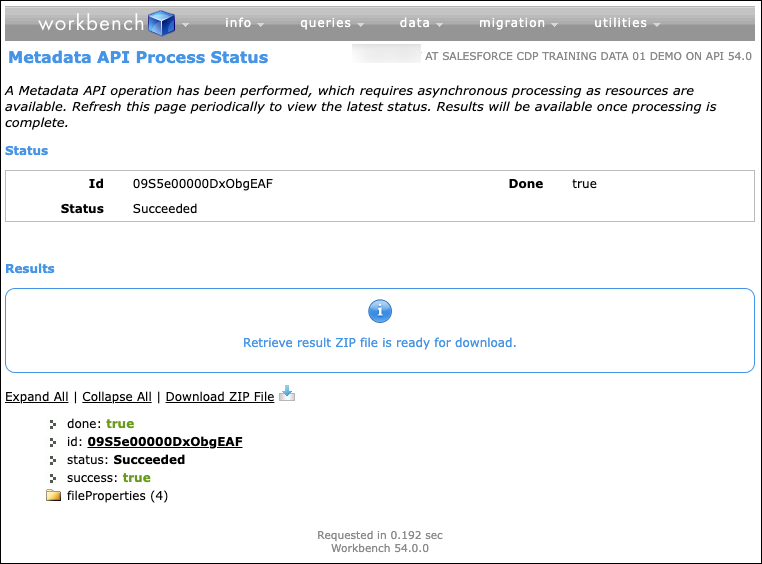
Click Download ZIP File and download the retrieved package.
Rename the file recognizably to use in later steps.