


LWR Sites for Experience Cloud
 j
jNewer Version Available
Create a Configurable Site Logo Component
Site Logo Styling Hooks
- --dxp-s-site-logo-path stores the path to the image, which can be consumed in JavaScript and HTML.
- --dxp-s-site-logo-url stores the site logo path surrounded by url(.), which can be consumed in CSS properties.
For example:
1:root {
2  --dxp-s-site-logo-path: "/cms/delivery/media/MCKW5KMZTF2BBFDLWWZG2MOVLLXA"
3  --dxp-s-site-logo-url: url("/cms/delivery/media/MCKW5KMZTF2BBFDLWWZG2MOVLLXA")
4}
This JavaScript code sample uses --dxp-s-site-logo-path to set the image src.
1const root = document.querySelector('html');
2const logoPath = getComputedStyle(root).getPropertyValue('*--dxp-s-site-logo-path*');
3const imgEl = document.createElement('img');
4imgEl.src = logoPath;
This CSS code sample uses --dxp-s-site-logo-url to set the site logo as a background image.
1.logo-container {
2    background-image: var(*--**dxp-s-site-logo-url*);
3    background-position: center;
4    background-repeat: no-repeat;
5    background-size: contain;
6    max-width: 100%;
7}
The Site Logo Property in Experience Builder
The Site Logo property in Experience Builder uses Salesforce CMS images, so you must first add your LWR site as a channel in a CMS workspace in the Digital Experiences app.
Then to add an image in the Images tab of the Theme panel, you must also be a contributor
in that CMS workspace. For more information, see Salesforce CMS.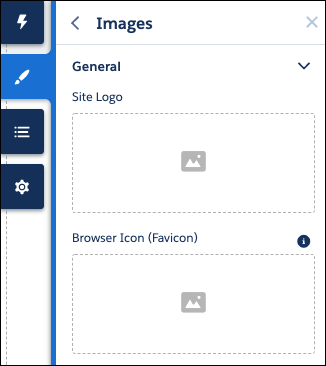
Finally, if the site logo is used on public pages, enable Let guest users view asset files and CMS content available to the site in the Administration workspace under Preferences.