


Second-Generation Managed Packaging Developer Guide
 j
jNewer Version Available
Create a Monthly Unique Users Recipe
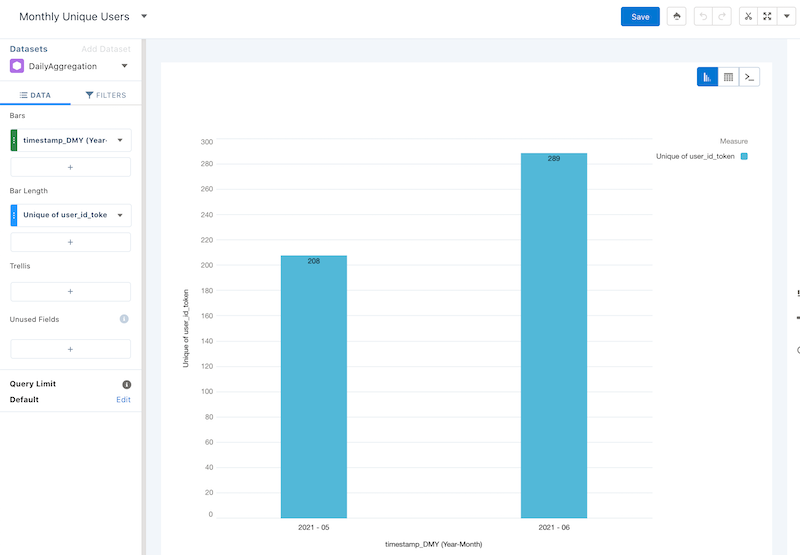
This recipe produces a unique count of users by month.
In your org in Analytics Studio in CRM Analytics:
- In All items on the Datasets tab, select your DailyAggregation dataset.
- Under Bar Length, click Count of Rows.
- Click Unique.
- Select user_id_token.
- Select Charts.
- Click Column.
- Under Bars, click + and search for timestamp_DMY.
- Select Year-Month.
- Click Save.
- Name your lens Monthly Unique Users.
- Select your PartnerIntelligence app.
- Click Save.
Example
SAQL: