


Mobile and Offline Developer Guide
 j
jNewer Version Available
Test Harness SObjects Tab
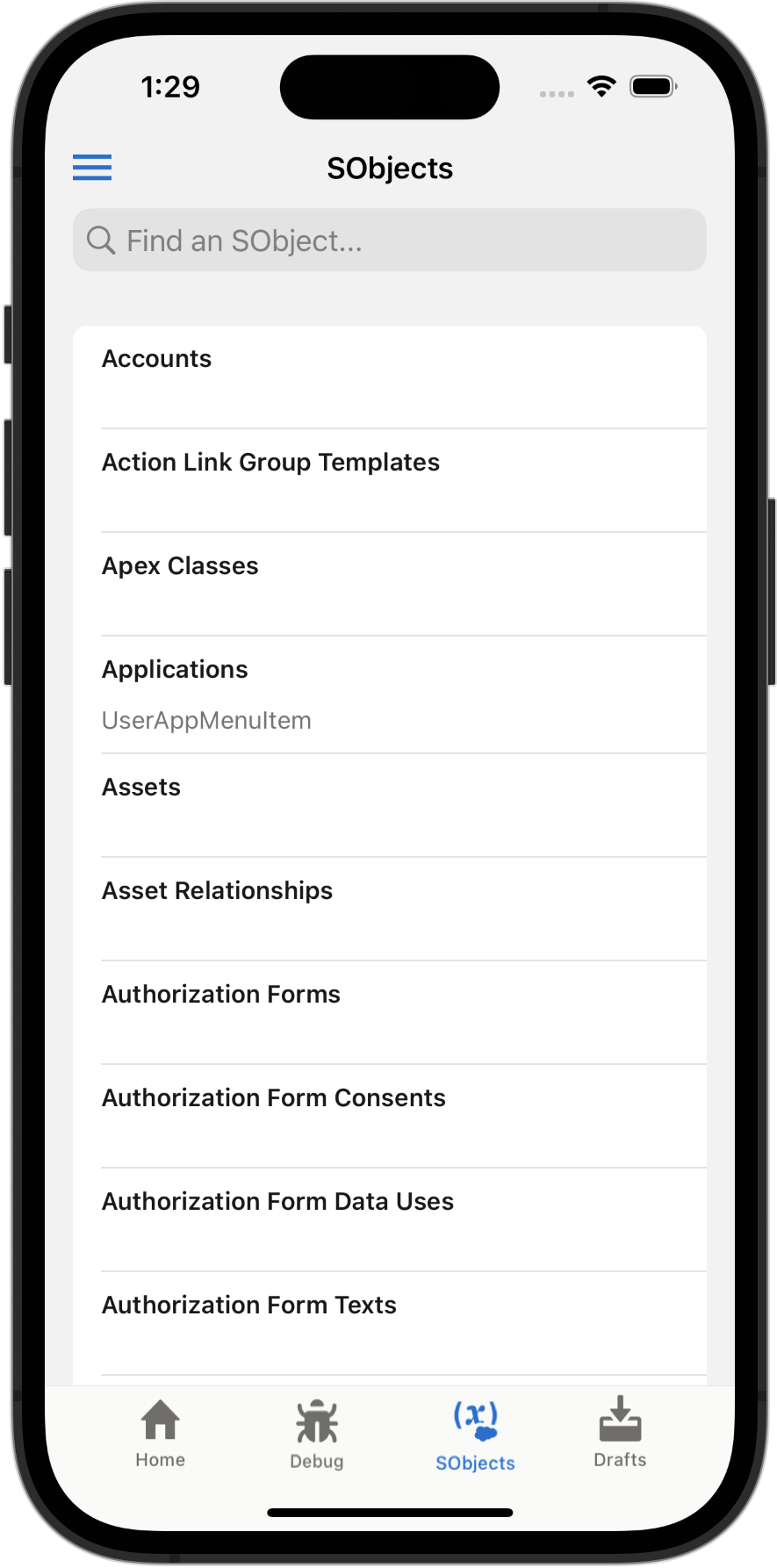
The SObjects tab presents a plain list of the objects defined in your org. This list is driven by org metadata, and presents an unfiltered list of all of your objects. This list includes some objects that normally don’t make sense in the context of the Test Harness app. For example, tapping the Apex Classes item displays an error.
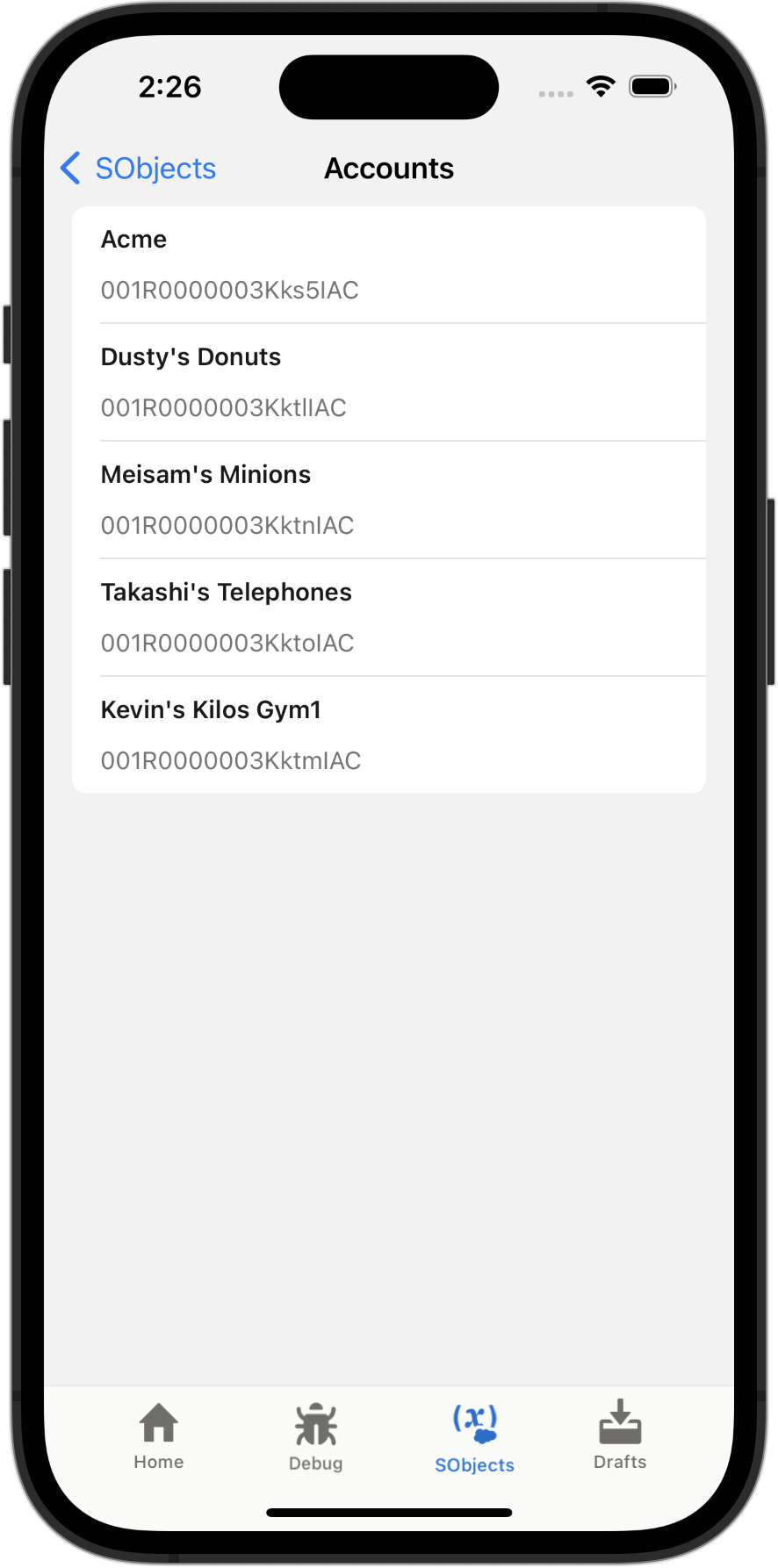
Use the search field to filter the list to specific objects you’re interested in working with. Tap an object name to see a list of records of that object type.
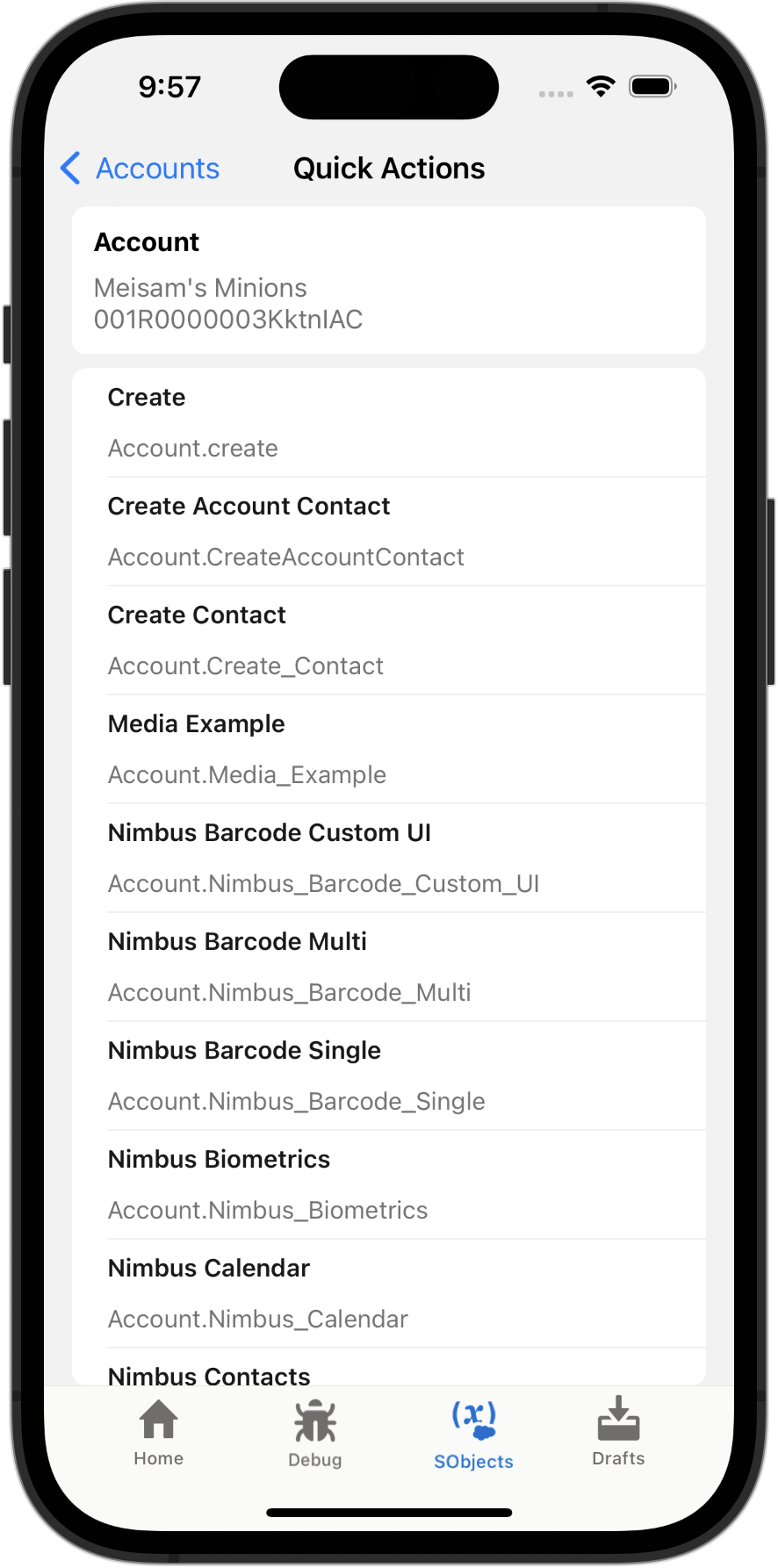
When you tap to view a record, minimal record data is displayed. The focus of this view is the list of actions available on the record. Tap an action to run it.
The list of actions are all of the LWC-based quick actions defined for the object, whether the actions have been added to the object’s page layout or not. This makes the SObjects tab record view a great way to quickly view new quick actions under development, without the ceremony of adding them to a page layout, or the risk of appearing to users in your org before they’re completed. In contrast, the record view available in My Offline Records presents a more end-user oriented view, and displays only the actions you’ve added to the object’s page layout.