CRM Analytics REST API Developer Guide
 j
jUse Postman to Send a CRM Analytics Request
With Postman, you can explore and test your CRM Analytics API calls across multiple
organizations with full control on headers, parameters, and content type.
To make a request to your org:
- Select the CRM Analytics Collect API folder to expand it.
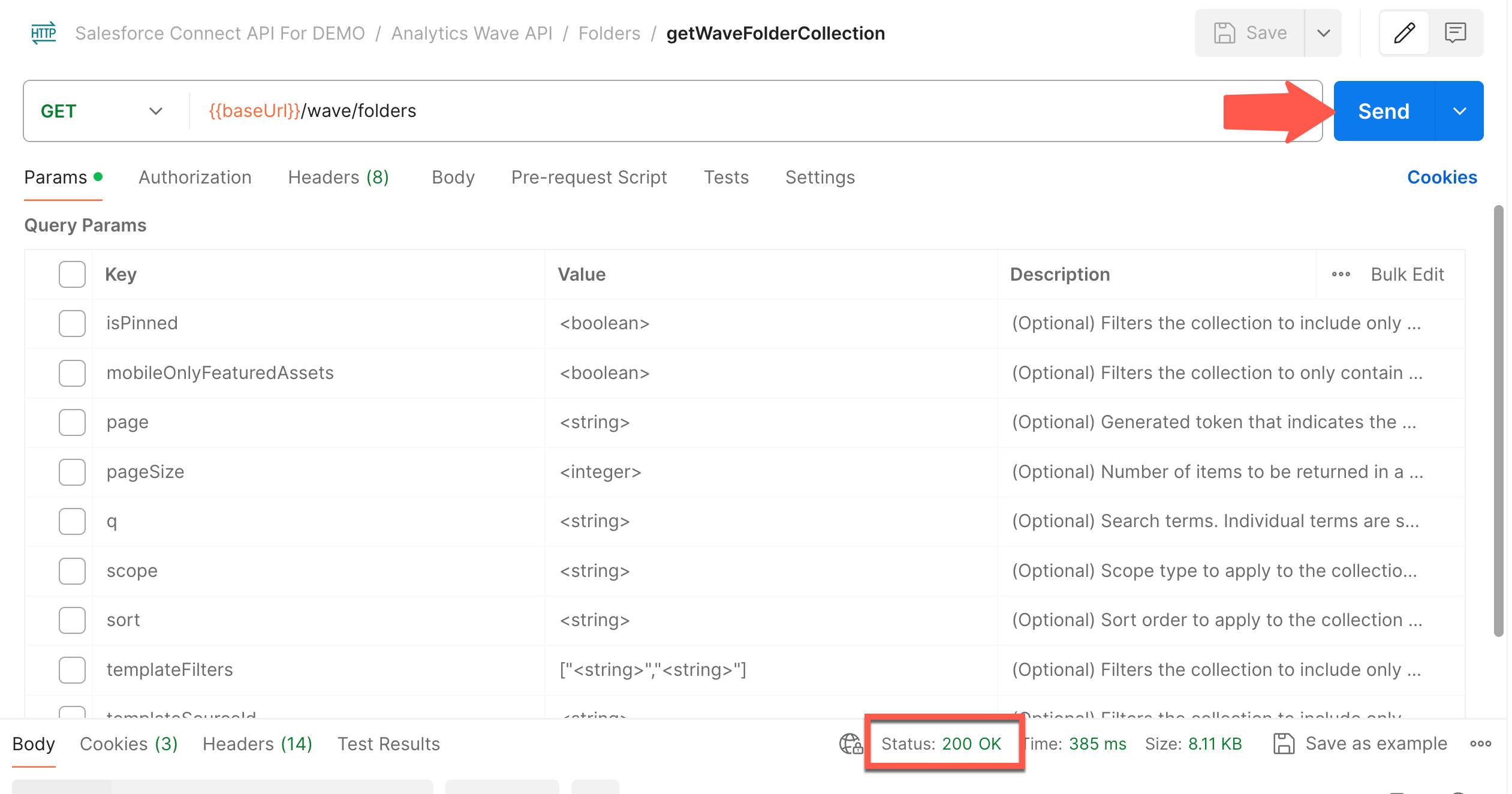
- To access a related collection of endpoints, select a subfolder. For this example, we use the Folders | GETWaveFolderCollection.
-
Click Send, and verify that the status is 200 OK.