Mobile and Offline Developer Guide
 j
jNote: This release is in preview. Features described here don’t become generally available until the latest general availability date that Salesforce announces for this release. Before then, and where features are noted as beta, pilot, or developer preview, we can’t guarantee general availability within any particular time frame or at all. Make your purchase decisions only on the basis of generally available products and features.
Barcode Scanning User Experience
Your component can deliver any user experience you desire, but there’s a common flow for
any component that can scan a barcode.
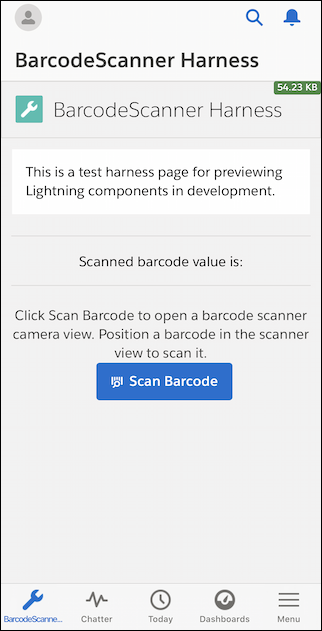
- A Lightning web component displays a button (or other user interface control) to start a
scan.
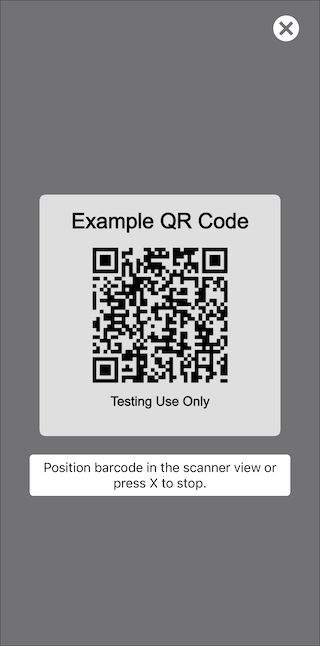
- When the button is pressed, BarcodeScanner invokes the mobile device’s user interface for
the camera and barcode scanning function. When the camera detects a valid barcode, it
displays a bounding box around the barcode, reads the data from the barcode, and returns the
result to the Lightning web component that invoked it.
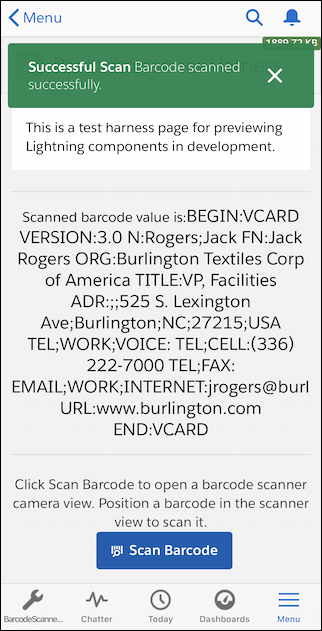
- The Lightning web component displays or otherwise processes the results of the scan.