


 j
jWorkflow for Second-Generation Managed Packages
Components Available in Second-Generation Managed Packages
Editable Properties After Package Promotion or Installation
Use the CLI to Install a Second-Generation Managed Package
Use a URL to Install a Second-Generation Managed Package
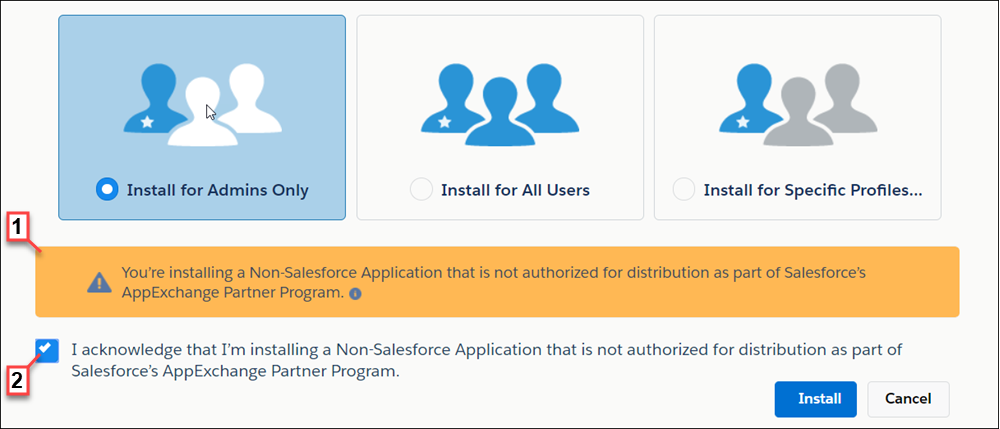
Install Notifications for Unauthorized Managed Packages
Upgrade a Second-Generation Managed Package Version
Resolve Apex Test Failures
Customize Second-Generation Managed Package Installs and Uninstalls Using Scripts
Sample Script for Installing Second-Generation Managed Packages with Dependencies
Uninstall a Second-Generation Managed Package
Best Practices for Second-Generation Managed Packages
Gaps Between First-Generation and Second-Generation Managed Packaging
Previous Versions