String Property
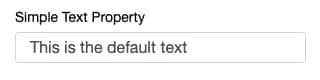
Simple Text Input
A basic text input.
1simpleTextProperty: string = "This is the default text";
Enumerated Values
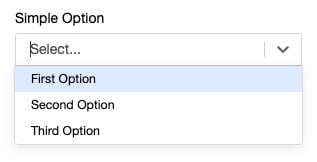
A static list of options can be provided using the TypeScript String Literal type system. Doing so provides a dropdown menu with the options.
1simpleOption: "First Option" | "Second Option" | "Third Option";
Alternatively, a static list of options can be provided using an @options decorator.
1@options(["First Option", "Second Option", "Third Option"])
2simpleOption: string;
See Select Property for more complex dropdown examples.
Multi-Valued Properties
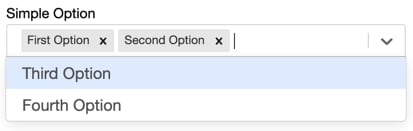
Simple fields can be made multi-valued capable by simply declaring their field types to be arrays.
1@options(["First Option", "Second Option", "Third Option", "Fourth Option"])
2simpleOption: string[];
Literal Types
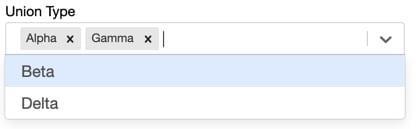
For strong typing in your code, you can also use string literal types, including in array based multi-valued properties.
These values provide the available options to a dropdown just as the @options decorator.
1unionType: ("Alpha" | "Beta" | "Gamma" | "Delta" )[];
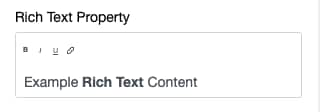
Rich Text Input
Provides a rich text editor that outputs its value as a string of HTML.
1@richText(true)
2richTextProperty : string = "Example <span style='font-weight:bold;'>Rich Text</span> Content";
See Also


 j
j