


Salesforce1 Mobile App Developer Guide
 j
j
No Results
Search Tips:
- Please consider misspellings
- Try different search keywords
Test Out Calling the Action from the API
Now we’ll test out the code that calls the action
and adds a delivery record in the Salesforce1 app.
-
From your mobile device, tap the Shipify action in the action
bar.
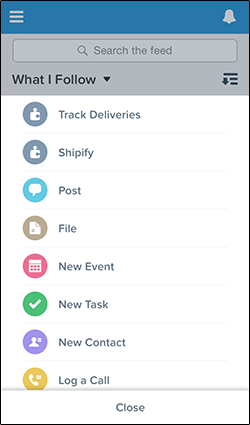 A list of all open invoices along with the customer information appears.
 -
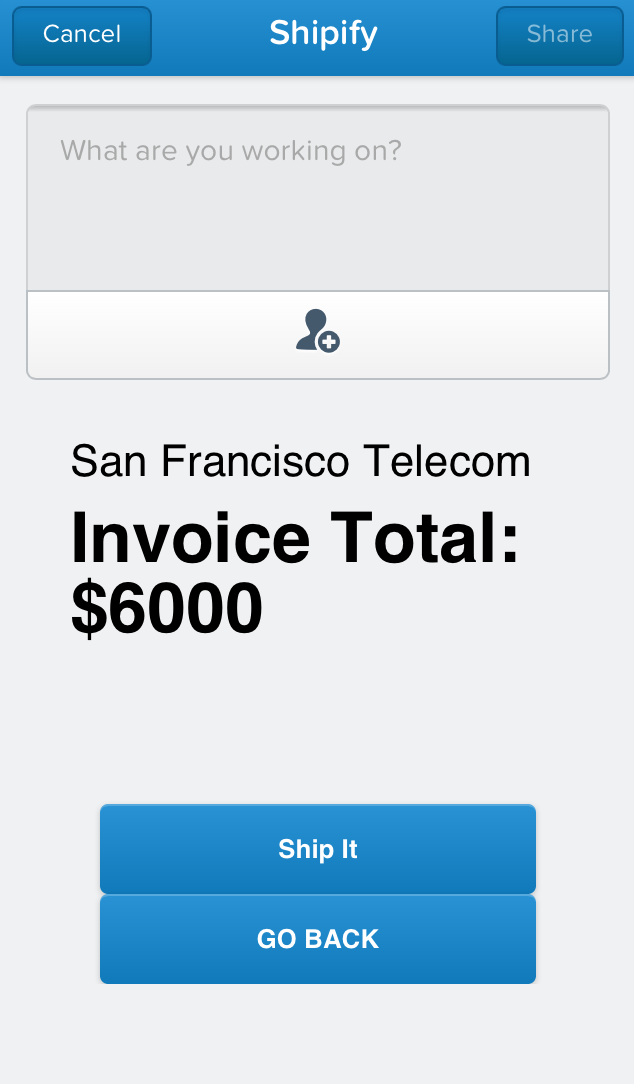
Tap one of the invoices. A screen appears that shows the total amount of the invoice and a
Ship It button.
-
Tap Ship It.
This kicks off order processing in the Shipify Web application. Shipify sets the invoice status to Closed and creates a feed item for the account. But now, a delivery record is also created for the invoice. After the order is shipped, you’ll see a confirmation screen.
-
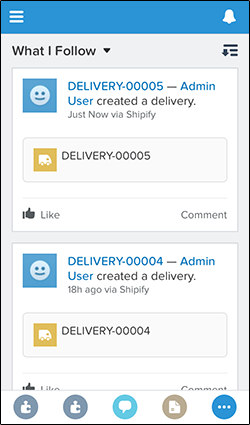
Tap Cancel.
In the feed, you’ll see the new delivery record
-
To see the closed invoice, tap
 and then tap
Accounts.
and then tap
Accounts.
-
Tap the account for the shipped order and swipe to the Feed. You’ll see a feed item
that lets the user know the order has been shipped.
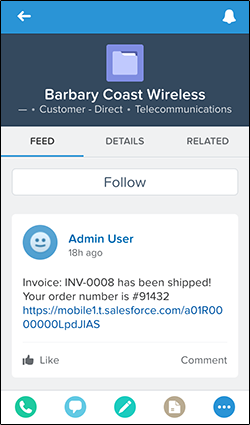
Voila! You’ve now gone through the process of updating the Shipify Web application to make a REST API call to invoke the action that you created.