


Force.com IDE Developer Guide
 j
jApex Code Assist
Apex code assist is activated when you begin to type a valid line of Apex in the editor. Code assist opens a list of available code completions that aid in both development speed and accuracy.
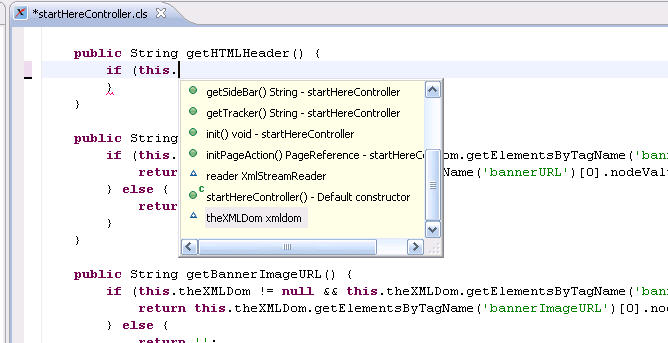
To use code assist:
- Insert the cursor in the editor area.
- If you are typing a class or variable name, type a dot (“.”) and pause for a moment, and the proposal window opens. Otherwise press Ctrl + Space on the keyboard to activate the proposal window.
- Use the mouse or keyboard to select an item from the list.
- Click or press Enter on a selected line in the list to insert the selection into the editor.