


ISVforce Guide
 j
jNewer Version Available
Update Contract Terms and Product Catalogs
Salesforce.com Partner Operations will push any necessary
updates to your Channel Order App, but if you think your Contract
Terms or Product Catalogs are outdated, you can update them to the
latest version yourself.
You
can update your contract terms when you’re submitting an order,
or from a Contract Terms record.
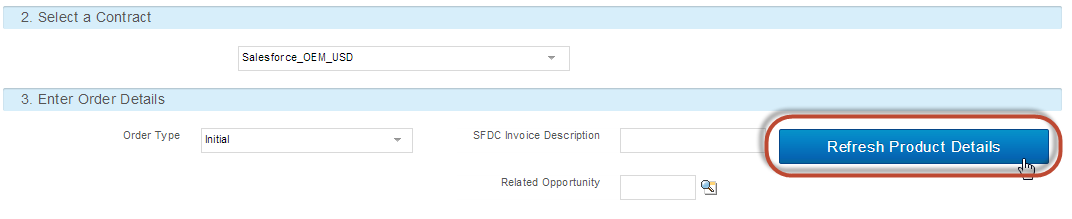
To update your Contract Terms and Product Catalog when you’re submitting an order, click Refresh Product Details on the order detail page.
To update Contract Terms from a Contract Terms record, follow the steps below:
-
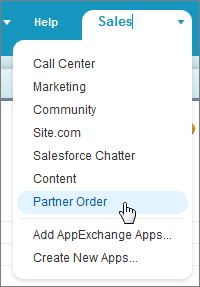
In the
Force.com App menu, click Partner Order.
-
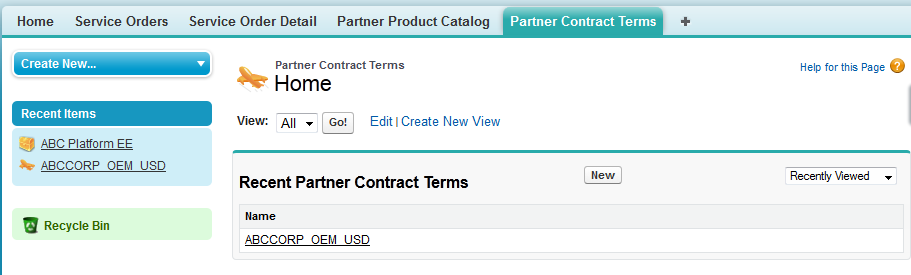
Go to
the Partner Contract Terms tab and select the Contract Terms record
you want to update.
-
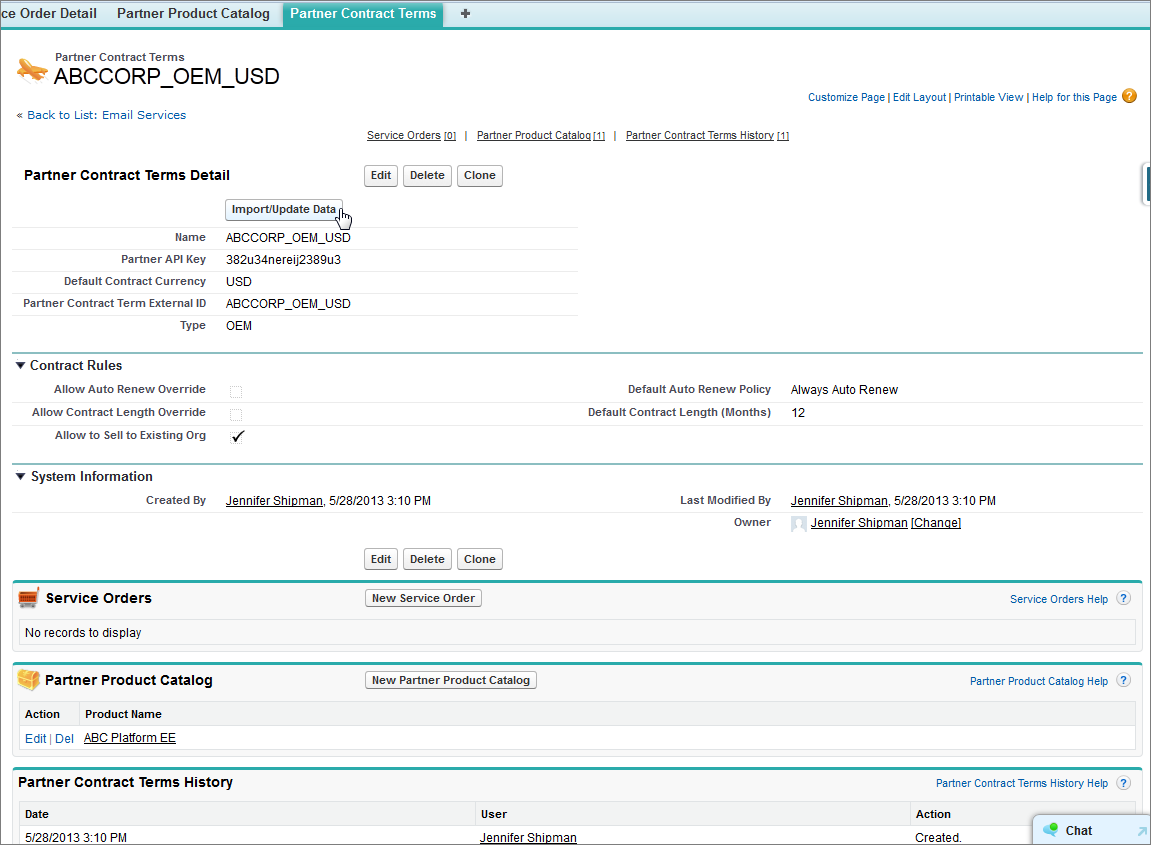
On the
Contract Terms record page, click Import/Update Data to update the Contract Terms and any associated Product Catalog
records, and add any new Product Catalog records that have been added
to your Contract Terms.
- A confirmation message will display when the update is complete.