


ISVforce Guide
 j
jNewer Version Available
View and Manage Orders
Navigate to the Orders tab to view order status or edit and submit orders in the Channel
Order App.
-
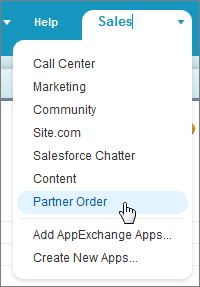
In the Force.com App menu, click Partner Order.
-
Go to the Orders tab.
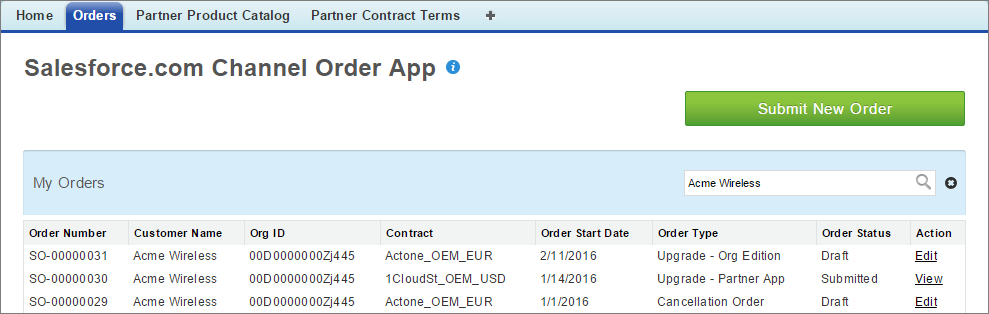
- Use the search box to find orders by Customer Name or Org ID.
- Click any column to sort orders by the corresponding value.
- Use the Order Status column to track your orders.
- Click a link in the Action column to view a completed order or edit an unsubmitted order.
- Click Submit New Order to enter details for a new order.