


Lightning Platform Fundamentals
 j
jLook at What We've Done
Let's test our
new “Send Rejection Letter” process and see what happens:
- Click the Job Applications tab, and select a job application record.
- Click Edit, and change Status to Rejected.
- Click Save.
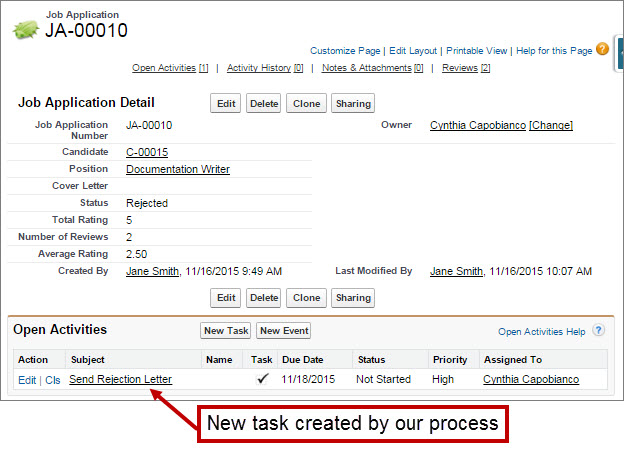
The Send Rejection Letter task automatically appears in the Open Activities related list on the Job Application detail page, as shown in the following image.
Pretty neat, don't you think? Suddenly, our Recruiting app has become a lot more interactive and powerful!