


Lightning Aura Components Developer Guide
 j
jNewer Version Available
Install the Example Lightning Realty App
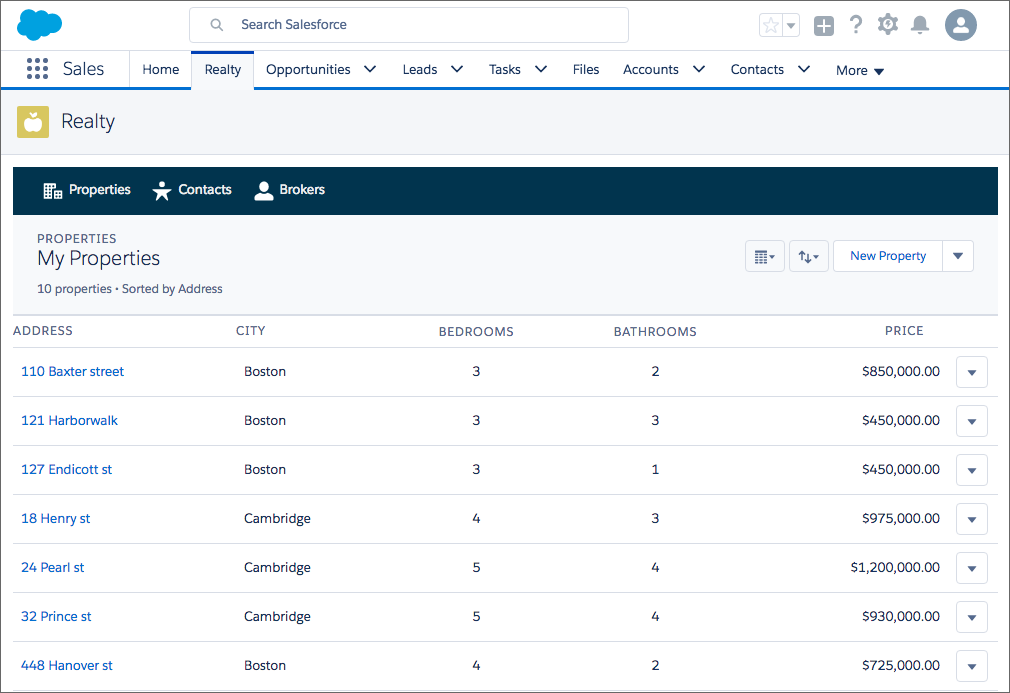
Implement a more in-depth example of lightning:container with the code included in https://github.com/developerforce/LightningContainerExamples. This example uses React and lightning:container to show a real estate listing app in a Lightning page.
To implement this example, use npm. The easiest way to install npm is by installing node.js. Once you’ve installed npm, install the latest version by running npm install --save latest-version from the command line.
To create custom Lightning components, you also need to have enabled My Domain in your org. For more information on My Domain, see My Domain in the Salesforce Help.
- Clone the Git repository. From the command line, enter git clone https://github.com/developerforce/LightningContainerExamples
- From the command line, navigate to LightningContainerExamples/ReactJS/Javascript/Realty and build the project’s dependencies by entering npm install.
- From the command line, build the app by entering npm run build.
- Edit package.json and add your Salesforce login credentials where indicated.
- From the command line, enter npm run deploy.
- Log in to Salesforce and activate the new Realty Lightning page in the Lightning App Builder by adding it to a Lightning app.
- To upload sample data to your org, enter npm run load from the command line.
The component and handler code are similar to the examples in Sending Messages from the Lightning Container Component and Handling Errors in Your Container.