


Mobile Offline Developer Guide
 j
jNewer Version Available
Customize the Landing Page
The Landing Page is the Mobile Offline home page for the Salesforce Mobile App. When a
user logs into the Salesforce Mobile App offline experience, the landing page is the first thing
they see. This page is intended to give access to the user’s most important records and allow
them to quickly and easily take relevant actions.
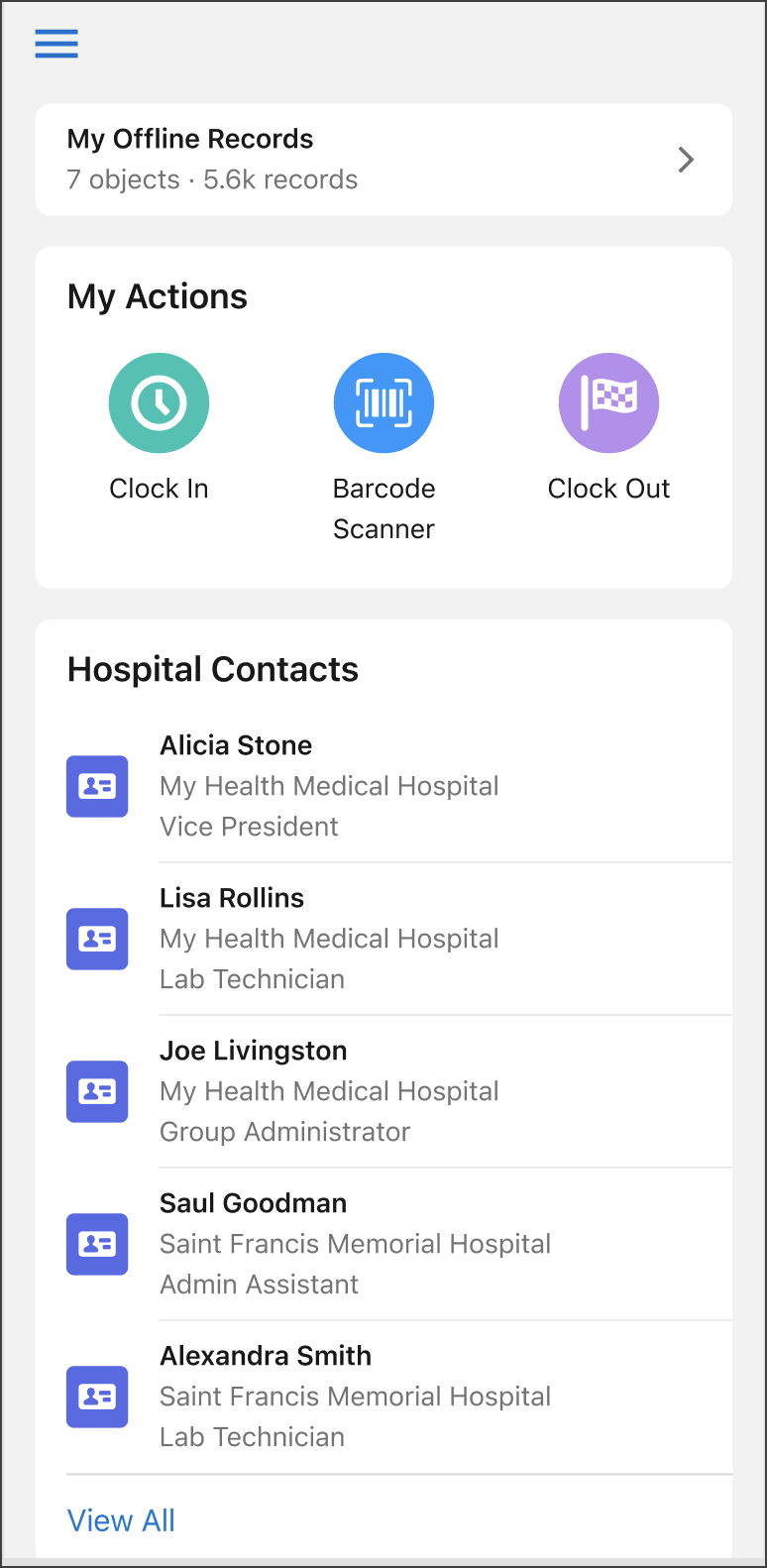
The landing page can be customized to meet user needs, using both out-of-the-box and custom objects, and Lightning global quick actions. It’s configured as a static resource file in JSON format.
The Onboarding Wizard copies the default landing page JSON file into the Offline App Starter Kit staticresources folder. Locate and update the landing_page.json file to build a customized offline app experience.
For more information on updating the landing_page.json file, see Customize The Landing Page in the Salesforce Help.