


Mobile and Offline Developer Guide
 j
jNote: This release is in preview. Features described here don’t become generally available until the latest general availability date that Salesforce announces for this release. Before then, and where features are noted as beta, pilot, or developer preview, we can’t guarantee general availability within any particular time frame or at all. Make your purchase decisions only on the basis of generally available products and features.
Select a Landing Page Template
The landing page can be customized to meet user needs, using both out-of-the-box and custom objects, and Lightning global quick actions. It’s configured as a static resource file in JSON format.
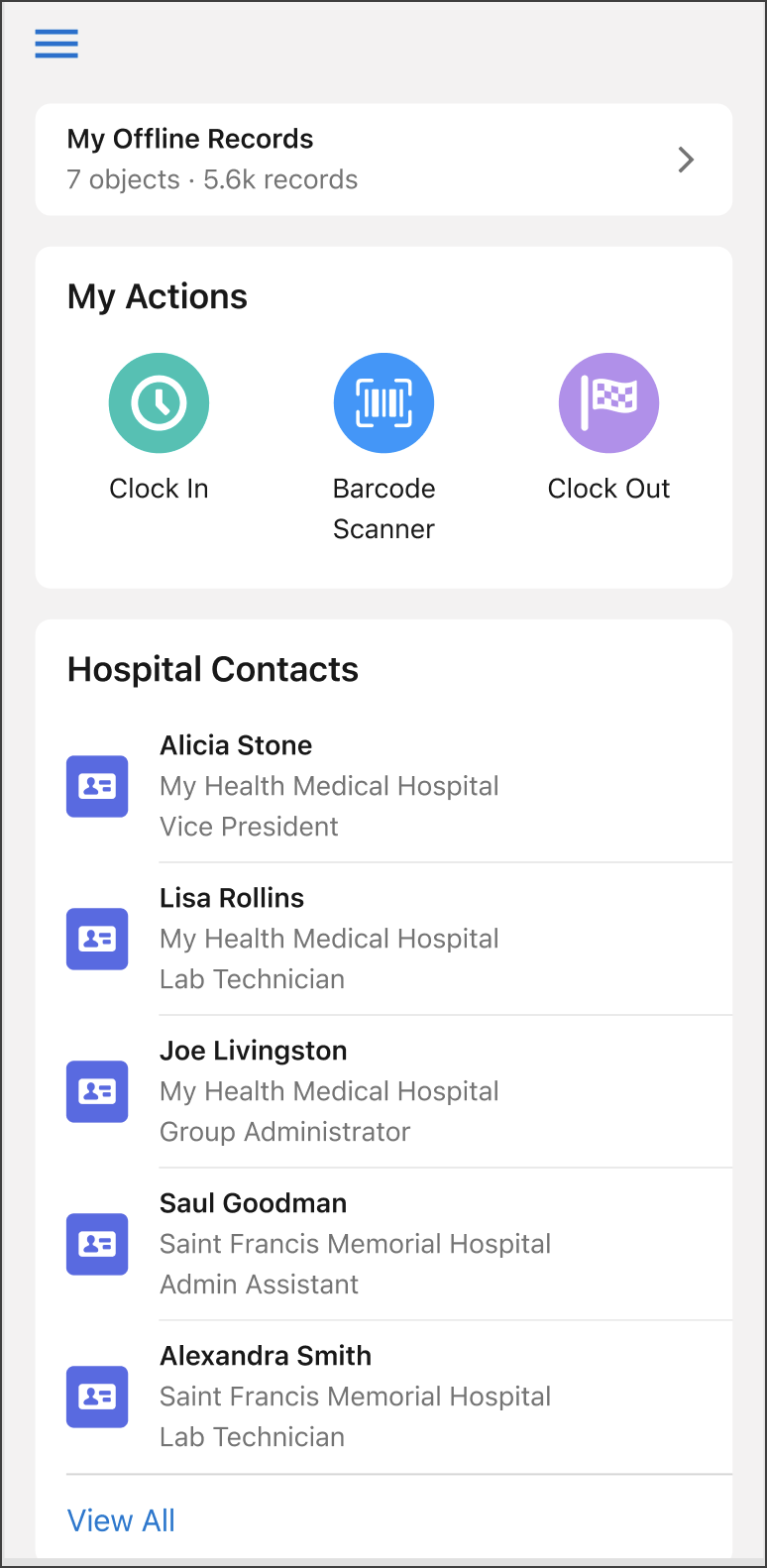
Landing Page Templates
You can use the Onboarding Wizard to select a preconfigured landing page template that best fits your use case. The Onboarding Wizard copies the landing page JSON file (based on the chosen template) into the Offline App Starter Kit staticresources folder. Locate and update the landing_page.json file to build a customized offline app experience.
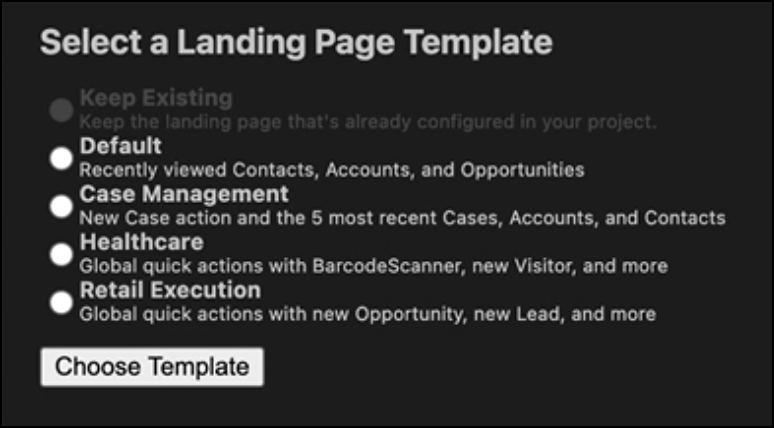
Each landing page template has specific objects and quick actions.
- Default
- Accounts
- Contacts
- Opportunities
- Case Management
- New Case action
- 5 most recent Cases
- 5 most recent Accounts
- 5 most recent Contacts
- Healthcare
- BarcodeScanner action
- New Visit action
- New Visitor action
- Visit object
- Retail Execution
- New Opportunity action
- New Lead action
- New Account action
For more information on updating the landing_page.json file, see Customize The Landing Page in the Salesforce Help.