Service Cloud Voice for Partner Telephony Developer Guide
 j
jNewer Version Available
Accept Inbound Calls in Omni-Channel
Now that you’ve added support for inbound calls, open the Voice Call Simulator and click
New Inbound Call.
For details, see Test Your Implementation with the Voice Call Simulator.
The call appears in the Omni-Channel utility. 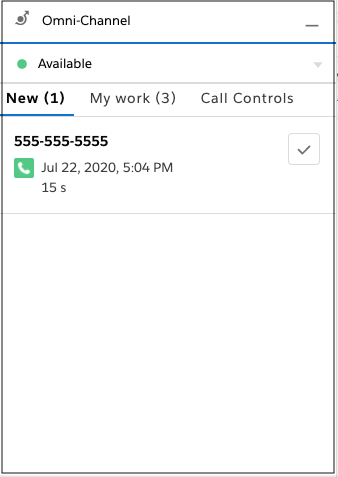 To accept the call,
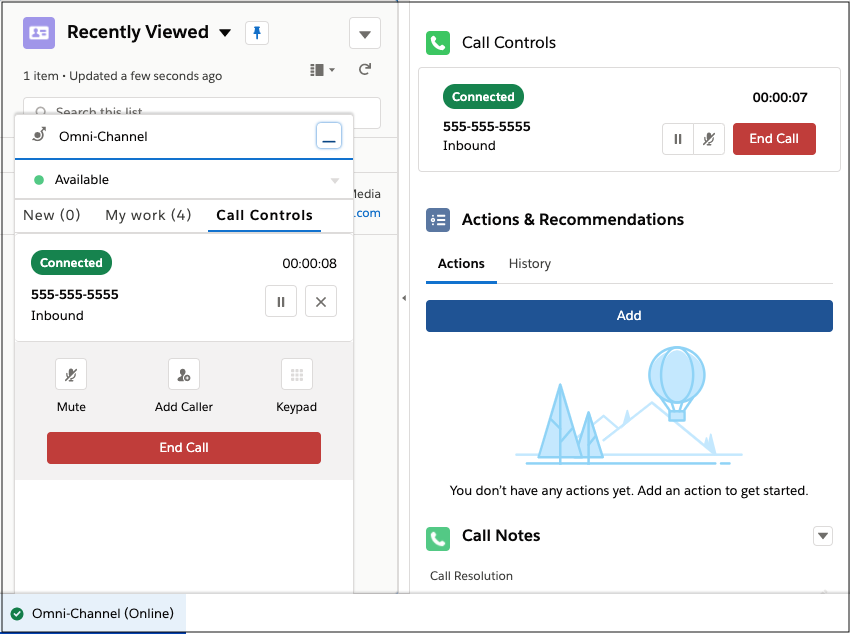
click the checkmark. You can mute, unmute, transfer, and end the call. Salesforce opens the
VoiceCall record that is created.
To accept the call,
click the checkmark. You can mute, unmute, transfer, and end the call. Salesforce opens the
VoiceCall record that is created.