Analytics Extended Metadata (XMD) Developer Guide
 j
jNewer Version Available
Hide Dataset Fields from the Explorer and Dashboard Designer
By default, all dataset fields are available in the UI. But you can hide fields so that
users can’t select them when building queries and dashboards.
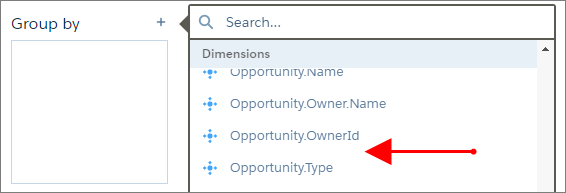
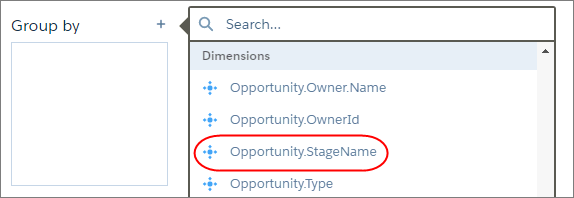
For example, the Opportunity.StageName field appears in the explorer.
To hide the field, modify the XMD as shown in the
following
text.
After applying the change, the field is no longer available for selection.