Headless Identity Implementation Guide
 j
jNewer Version Available
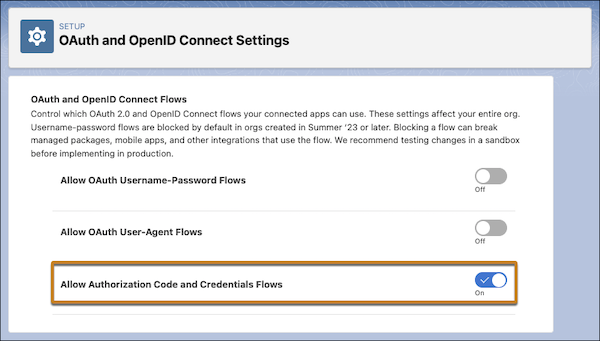
Enable the Authorization Code and Credentials Flow
The Authorization Code and Credentials Flow is the foundation of headless login and
headless registration. Enable this flow at an org-wide level.
| Available in: both Salesforce Classic (not available in all orgs) and Lightning Experience |
| Available in: Enterprise, Unlimited, and Developer Editions |
- From Setup, in the Quick Find box, enter OAuth, and then select OAuth and OpenID Connect Settings.
-
Turn on Allow Authorization Code and Credentials Flows.
You receive a warning that changing this setting can break your integrations.
-
To accept the warning, click OK.
With this flow enabled, you can access settings to turn it on for a specific connected app.
Example