Headless Identity Implementation Guide
 j
jEnable the Authorization Code and Credentials Flow
The Authorization Code and Credentials Flow is the foundation of headless login and
headless registration. Enable this flow at an org-wide level.
| Available in: both Salesforce Classic (not available in all orgs) and Lightning Experience |
| Available in: Enterprise, Unlimited, and Developer Editions |
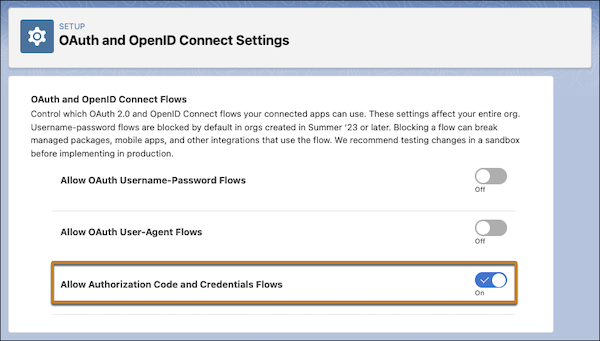
- From Setup, in the Quick Find box, enter OAuth, and then select OAuth and OpenID Connect Settings.
-
Turn on Allow Authorization Code and Credentials Flows.
You receive a warning that changing this setting can break your integrations.
-
To accept the warning, click OK.
With this flow enabled, you can access settings to turn it on for a specific external client app.
Example