


Mobile and Offline Developer Guide
 j
jNote: This release is in preview. Features described here don’t become generally available until the latest general availability date that Salesforce announces for this release. Before then, and where features are noted as beta, pilot, or developer preview, we can’t guarantee general availability within any particular time frame or at all. Make your purchase decisions only on the basis of generally available products and features.
Use ESLint Rules in Visual Studio Code
The ESLint rules are documented in the ESLint Plugin LWC Mobile GitHub repository.
Here you can see the popup for a lint rule violation.
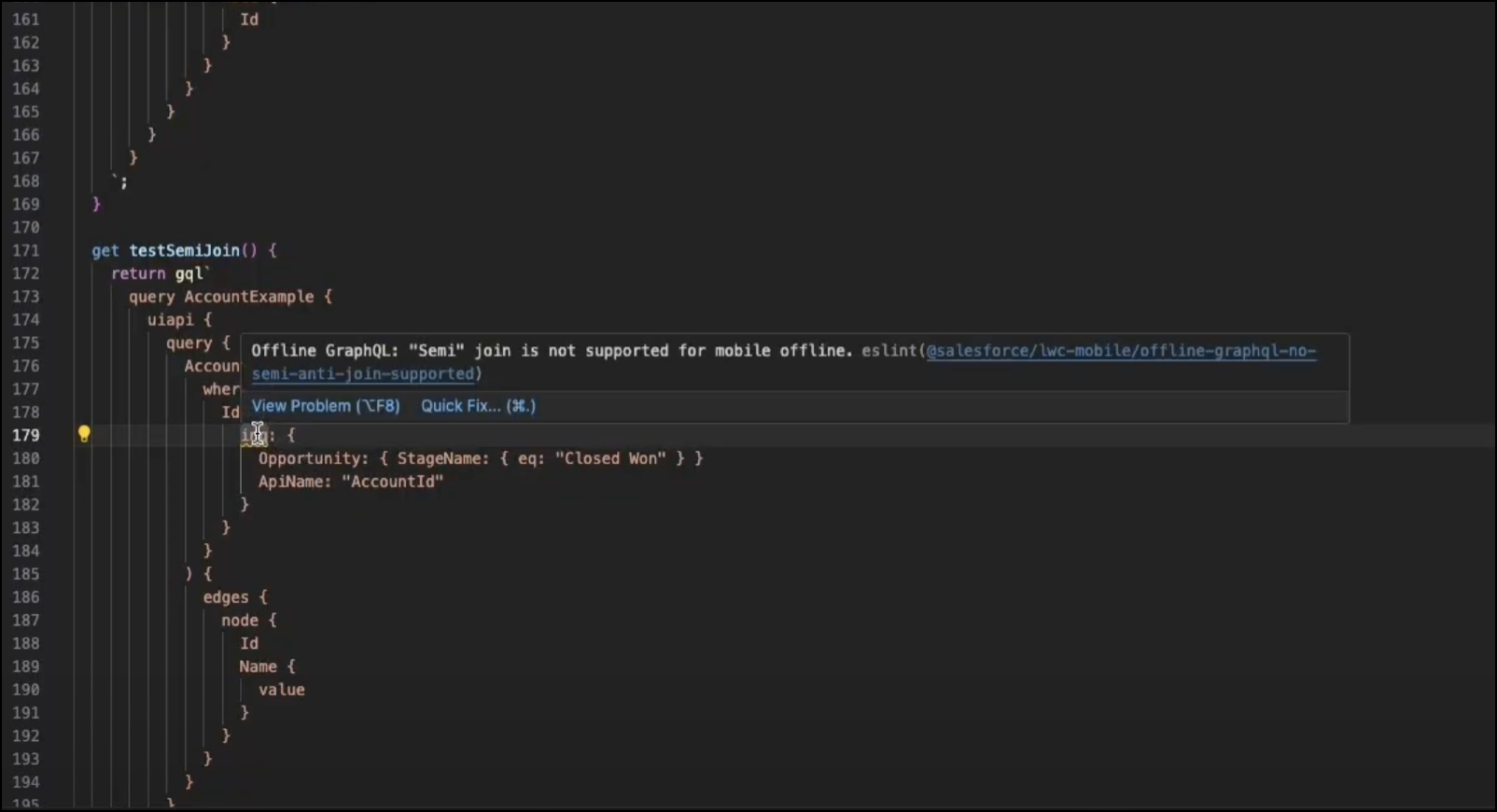
This popup shows a lint warning, not an error.
For more information on how to use Apex and GraphQL while mobile and offline, see Use Apex While Mobile and Offline and Use GraphQL While Mobile and Offline in the Mobile and Offline Developer Guide.