


 j
jWhy Switch to Second-Generation Managed Packaging?
Register a Namespace for a First-Generation Managed Package
What Are Beta Versions of Managed Packages?
Create a Beta Package for First-Generation Managed Packages
Create and Upload a First-Generation Managed Package
Publish Extensions to Managed Packages
View Package Details in First-Generation Managed Packages
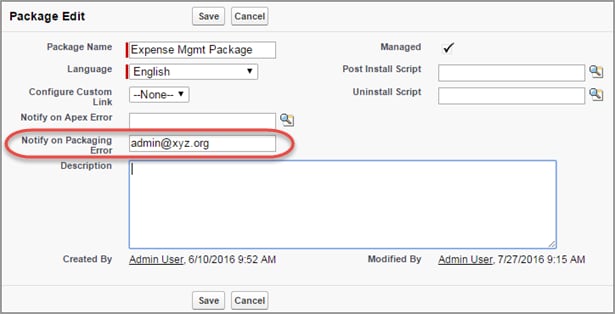
Set the Notification Email Address
Components Available in First-Generation Managed Packages
Editable Properties After Package Promotion or Installation
Previous Versions