


 j
jCanvas Scenarios
Where Canvas Apps Appear
Supported Browsers
Supported Salesforce Editions
User Permissions Required
User Interface Considerations
Canvas App Process
Canvas Personal App Process
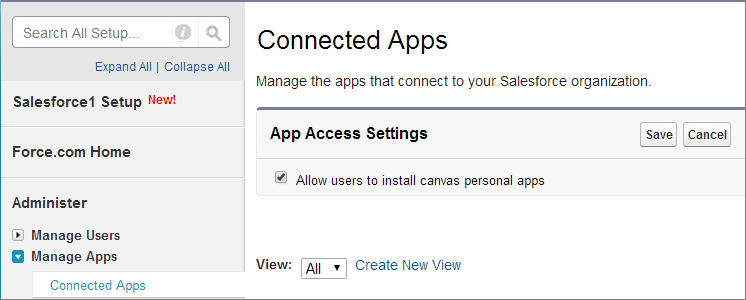
Enabling Canvas Personal Apps within an Organization
Making an App a Canvas Personal App
Uninstalling a Canvas Personal App
Lightning Component Code Examples
Canvas Limits
Previous Versions