Salesforce Knowledge Developer Guide
 j
jNewer Version Available
Enable Salesforce Knowledge
Get Knowledge turned on in your development organization.
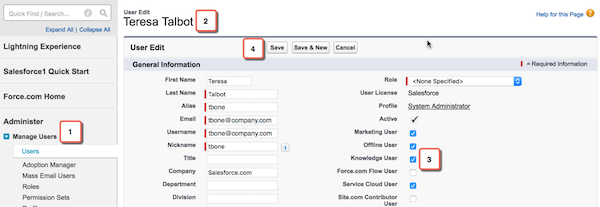
- From Setup, click .
- Click Edit next to your name.
-
Select the Knowledge User checkbox.
-
Click Save.
Assigning a Knowledge User license makes the Knowledge pages show up in Setup.
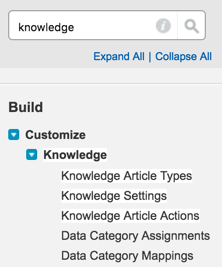
- From Setup, type Knowledge into the Quick Find box.
-
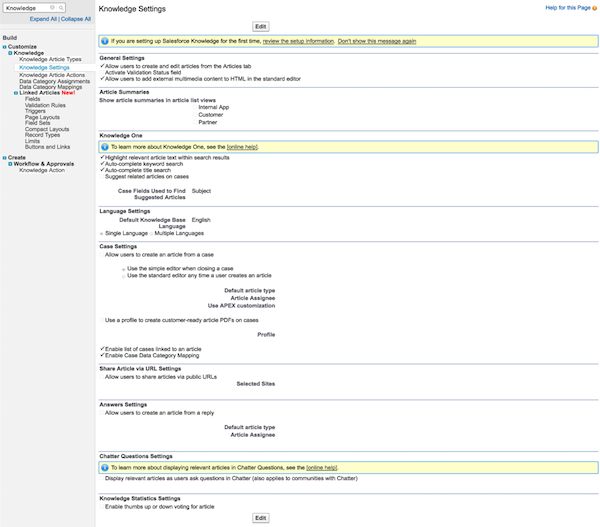
Click Knowledge Settings.

- Read the information on enabling Salesforce Knowledge in your org.
- Check Yes, I understand the impact of enabling Salesforce Knowledge.
-
Click Enable Salesforce Knowledge.