Salesforce Knowledge Developer Guide
 j
jNewer Version Available
Publish an Article
Create articles from the Knowledge tab to build your knowledge base.
You must publish the articles after creation or import. Non-published articles do
not display on your public channels: customer and partner communities or public
websites.
-
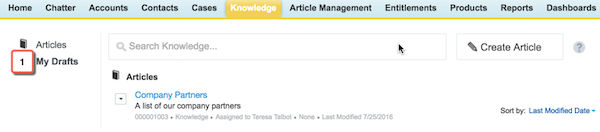
If you’ve navigated away from the article you created, you can find it in
either tab, Knowledge or Article Management, under My Drafts.
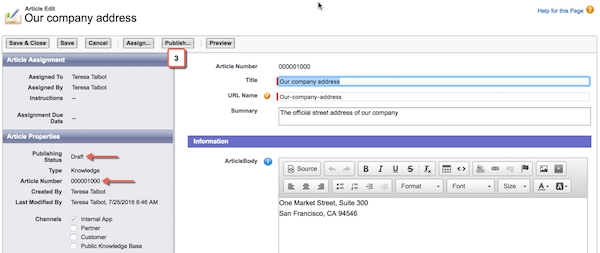
- Click the Our company address draft. Notice that the article now has an article number and a publishing status.
-
Click Publish.
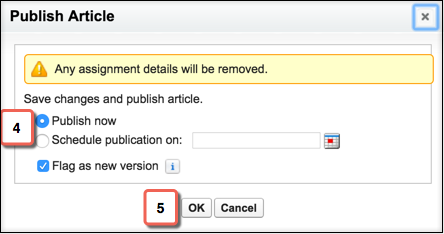
- Determine if you want to publish now or at a scheduled time in the future. Let’s stick with the default once again and publish now.
-
Click OK.
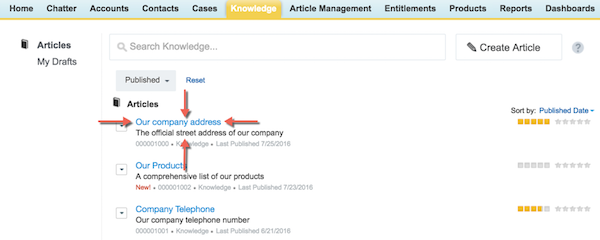
Salesforce Knowledge takes you back to the Knowledge tab and your article is at the top of the list!