


Lightning Communities Developer Guide
 j
jNewer Version Available
Lightning Bolt Solutions: Build Once, Then Distribute and Reuse
| Available in: Salesforce Classic and Lightning Experience |
| Available in: Enterprise, Performance, Unlimited, and Developer Editions |

You can take advantage of Lightning Bolt in several ways to save time and money. Here are just a few examples.
Example
Example
Example
What’s a Lightning Bolt Solution?
At its simplest, a Lightning Bolt solution comprises a community template that’s made up of a theme layout and CSS, along with pages, content layouts, and Lightning components. Lightning Bolt solutions seamlessly integrate with Salesforce and incorporate business logic, custom objects and apps, industry best practices, and more.
Use the Customer Service (Napili) template as a base to build your custom solution with standard pages and components, or create custom pages, layouts, and components of your own. After you finish customizing the template, export the template or one of its pages from to make it ready to use or distribute.
I Want to Reuse My Own Solution
When you export a template, it appears in the Community Creation wizard in your org, where
you can use it to build new communities.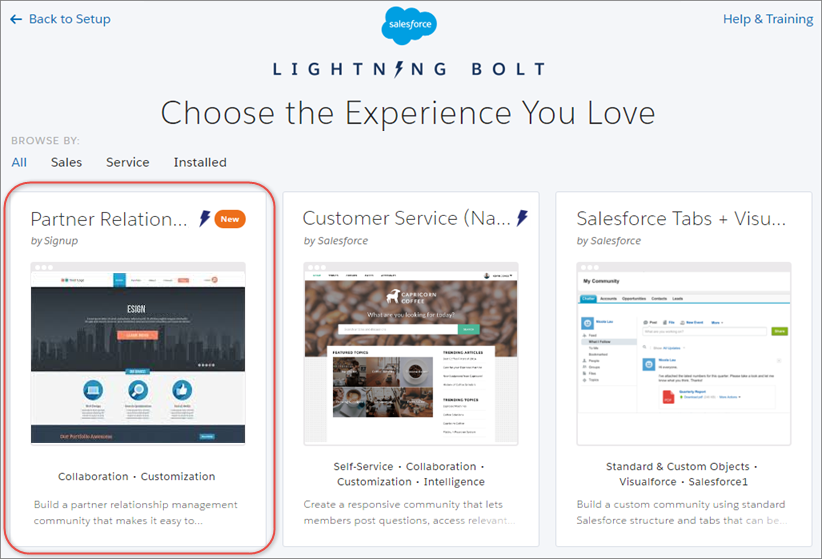
Similarly, you can export a single page, which includes the page’s content layout and components. After you export a page, it appears in the New Page dialog box in all communities in your org.
I Want to Package and Distribute Solutions
You can package solutions for distribution to your customers’ orgs. After you create and upload a managed package, share the link privately with your clients, customers, or partners. Alternatively, publish your custom Lightning Bolt solution as a managed package to AppExchange. Market your solution with an AppExchange listing in the same way you list any other app, component, or consulting service. Describe your solution, pricing, support, and other details so that customers can determine whether your offering is right for them.
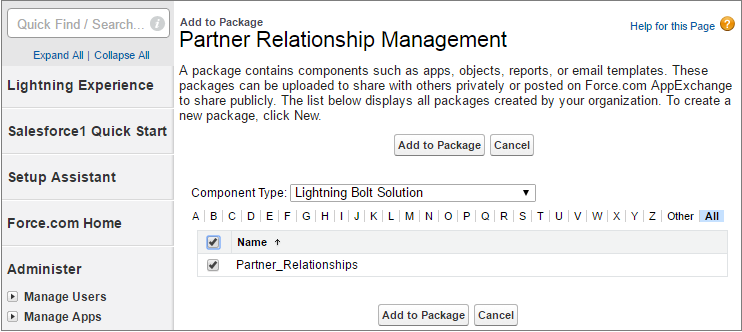
When a template is installed from another org, it appears in the org’s Community Creation wizard. Installed pages appear in the New Page dialog box.