Lightning Communities Developer Guide
 j
jNewer Version Available
Step 1: Create the Basic Theme Layout Structure
To create the basic structure of the theme layout, add attributes to define two
regions—search and sidebar. Then add the attributes to the markup to define where the regions
appear.
1<aura:component implements="forceCommunity:themeLayout">
2    <aura:attribute name="search" type="Aura.Component[]"/>
3    <aura:attribute name="sidebarFooter" type="Aura.Component[]"/>
4
5    {!v.search}
6    {!v.sidebarFooter}
7    {!v.body}
8
9</aura:component>
Right now, all the regions flow vertically, so add some semantic structure using the SLDS grid
system.
1<aura:component implements="forceCommunity:themeLayout">
2    <aura:attribute name="search" type="Aura.Component[]"/>
3    <aura:attribute name="sidebarFooter" type="Aura.Component[]"/>
4    <div class="slds-grid slds-grid--align-center">
5        <div class="slds-col">
6            <div class="slds-grid slds-grid--vertical">
7                <div class="slds-col">
8                <!-- placeholder for logo -->
9                </div>
10                <div class="slds-col">
11                    {!v.search}
12                </div>
13                <div class="slds-col">
14                <!-- placeholder for navigation -->
15                </div>
16                <div class="slds-col">
17                    {!v.sidebarFooter}
18                </div>
19            </div>
20        </div>
21        <div class="slds-col content">
22            {!v.body}
23        </div>
24    </div>
25</aura:component>
Add a design resource to the bundle to give the component a UI
label.
1<design:component label="Condensed Theme Layout">
2
3</design:component>
In Community Builder, you can see the theme layout’s semantic hierarchy by selecting it for
the Home theme layout type.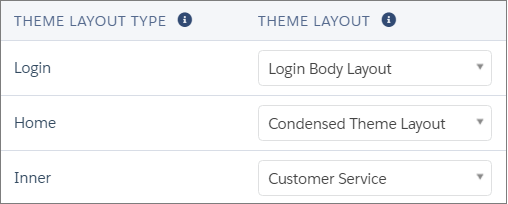
Open the Page Properties for the Home page. Select Home in the Theme
Layout Type dropdown.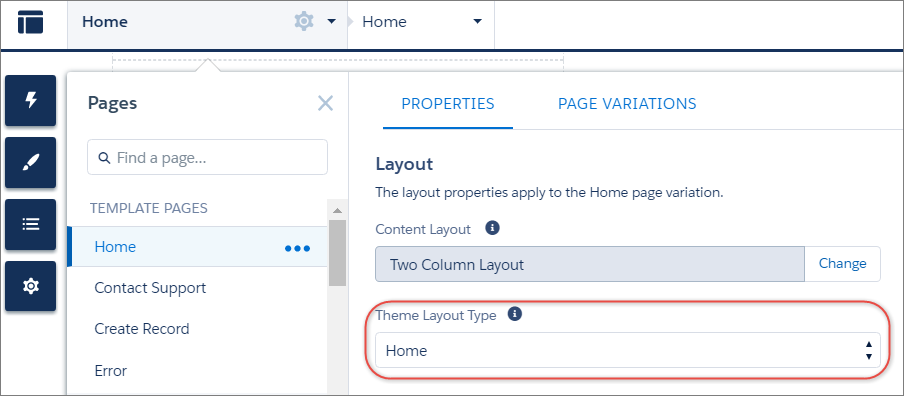
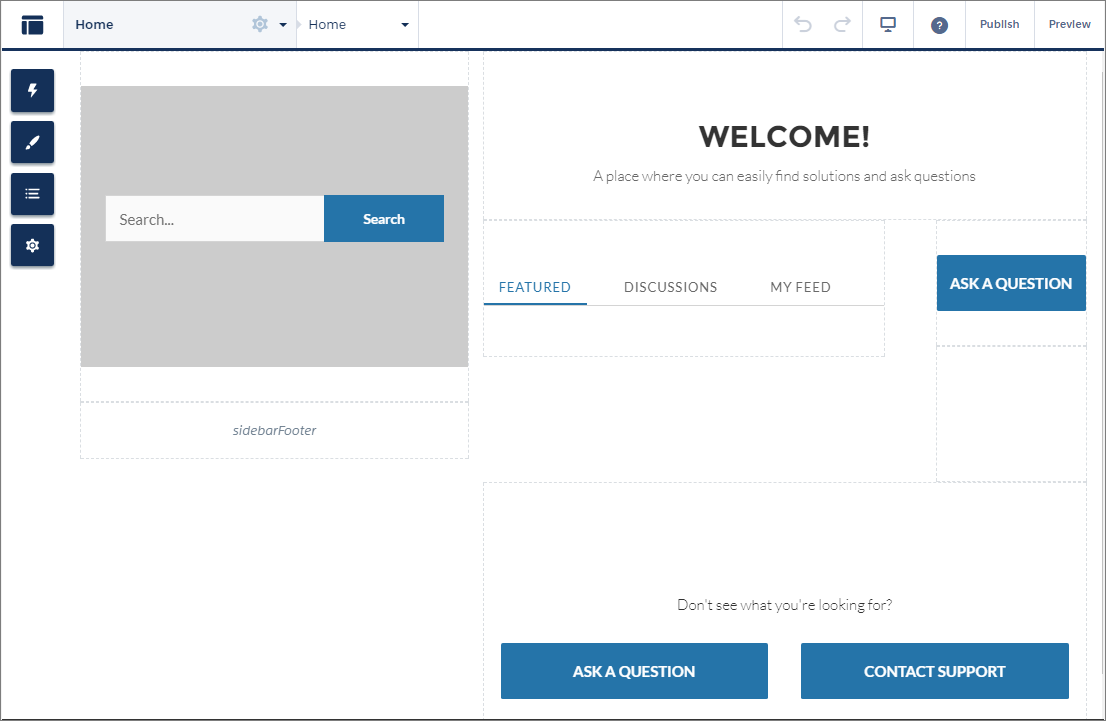
The page refreshes, and now you can see the new theme layout type in action. Let's inspect
the layout of the page. You no longer have a header, which used to contain the navigation,
search, profile menu, and logo. Some of those elements are being moved into the two left
sidebar regions—search and sidebarFooter. However, until you create a swappable search
component for the designated search region, the
standard search component still appears.