Mobile and Offline Developer Guide
 j
jNote: This release is in preview. Features described here don’t become generally available until the latest general availability date that Salesforce announces for this release. Before then, and where features are noted as beta, pilot, or developer preview, we can’t guarantee general availability within any particular time frame or at all. Make your purchase decisions only on the basis of generally available products and features.
Deploy Your Configurations

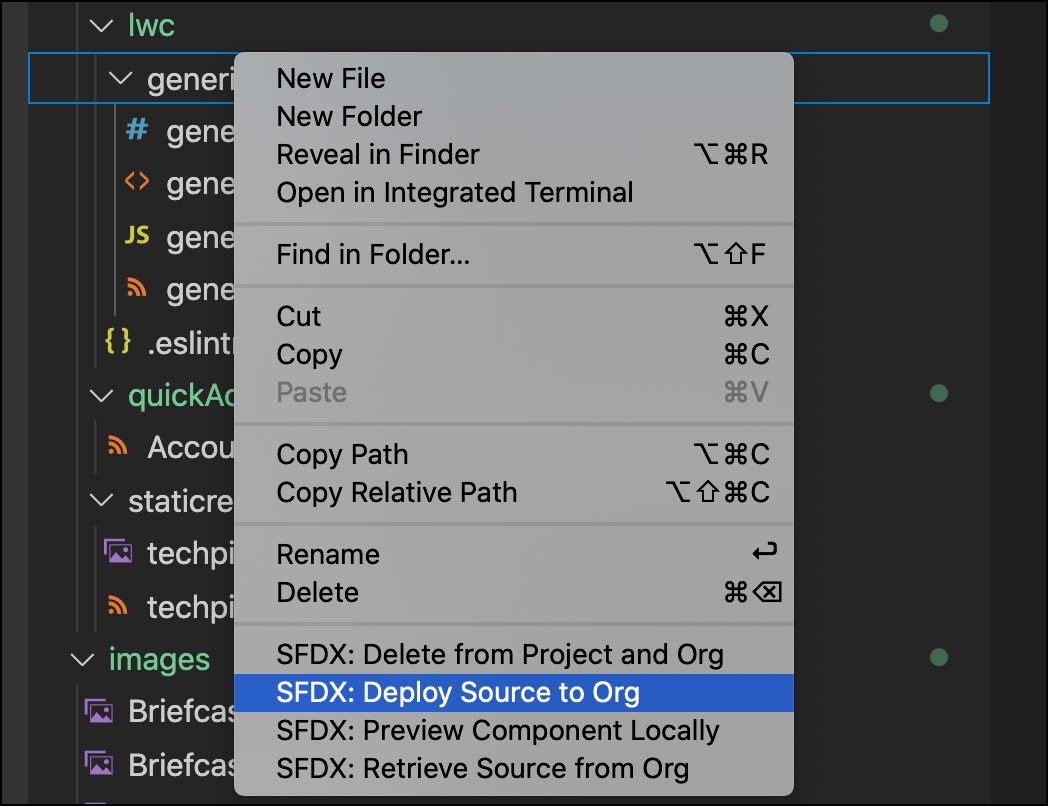
In Visual Studio Code, right-click on a component or quick action and select SFDX Command: Deploy Source to Org. This action pushes your Offline Starter Kit project configurations for the LWC Quick Actions upstream to the Salesforce org that’s connected via your Visual Studio Code development environment.