


 j
jIntegrate the Android SDK
Add SDK Dependencies with CocoaPods
Add SDK Dependencies with SPM
Add SDK Dependencies Manually
Configure the SDK for iOS
Runtime Toggles
Integrate with Other Platforms
Handle URLs
Changelog
To manually add the dependencies for the Mobile App Messaging SDK in your app’s Podfile, complete these steps.
Download these frameworks only from the linked GitHub repositories.
Important
Download these SDKs:
Copy these directories from your downloads folder to your project directory:
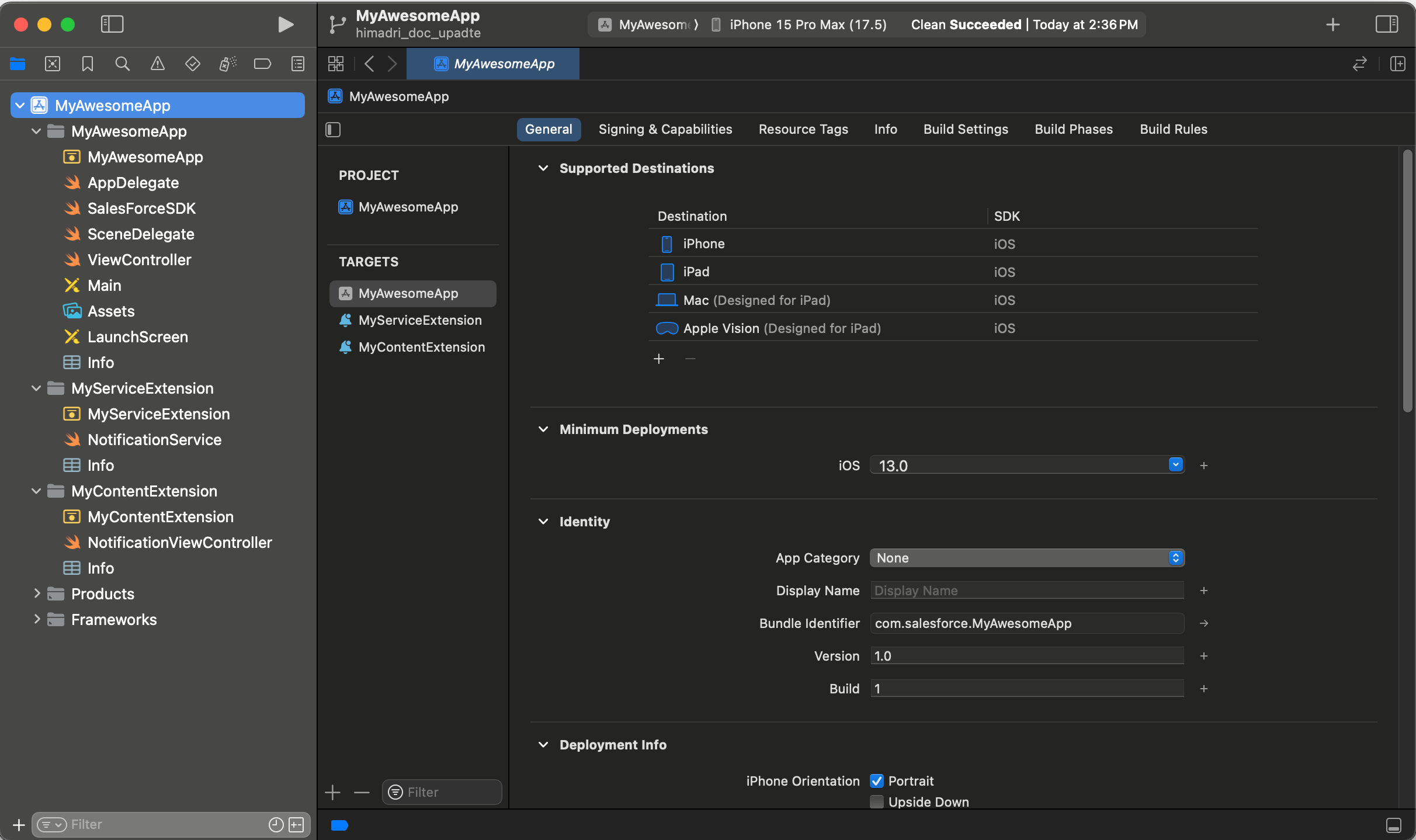
AppGroupSDK.xcframeworkInAppMessagingFeatureSDK.xcframeworkMobileAppMessagingSDK.xcframeworkPushFeatureSDK.xcframeworkSFMCSDK.xcframeworkOpen your application project and select the appropriate target.
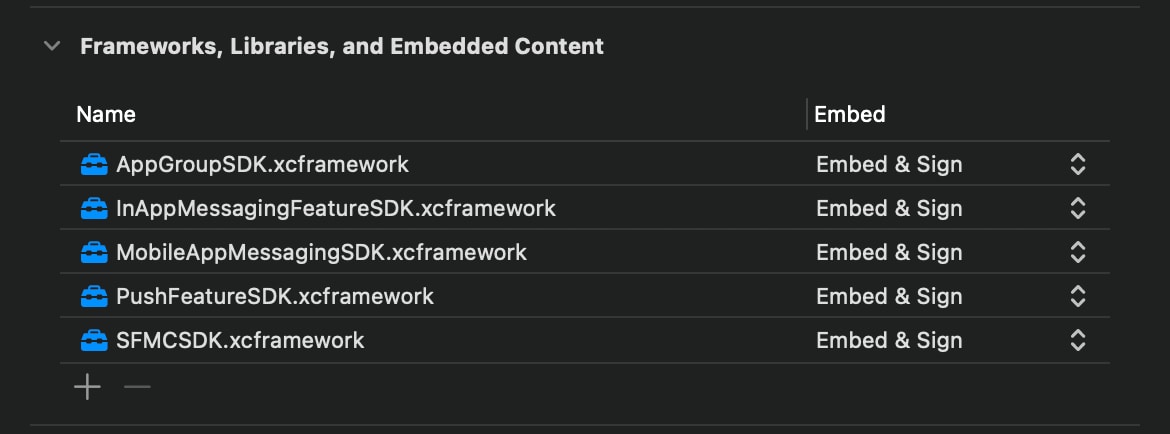
Add AppGroupSDK.xcframework, InAppMessagingFeatureSDK.xcframework, MobileAppMessagingSDK.xcframework, PushFeatureSDK.xcframework, and SFMCSDK.xcframework to Frameworks, Libraries, and Embedded Content in your target’s General settings.
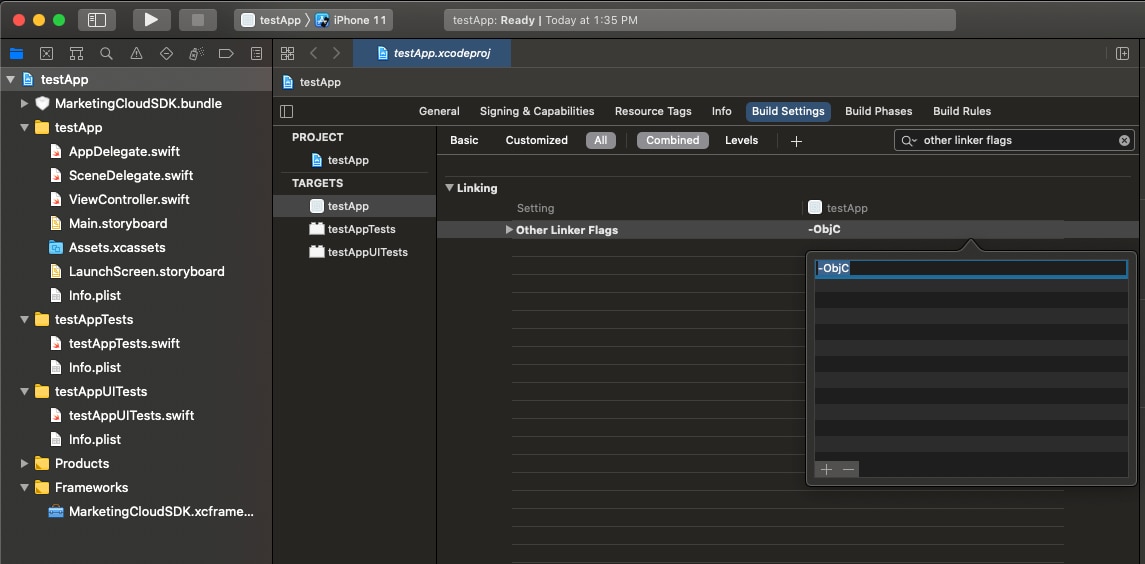
Add -ObjC to your target’s Other Linker Flags build settings.
After you add the dependencies, configure the SDK.
j