


 j
jIntegrate the Android SDK
Runtime Toggles
Enable iOS Push Notifications
Customize Sounds
Display Interactive Notifications
Send Rich Notifications
Handle URLs
Integrate with Other Platforms
Handle URLs
Changelog
This feature uses a sound included in your mobile app as a custom audio signal when a push message arrives on the mobile device.
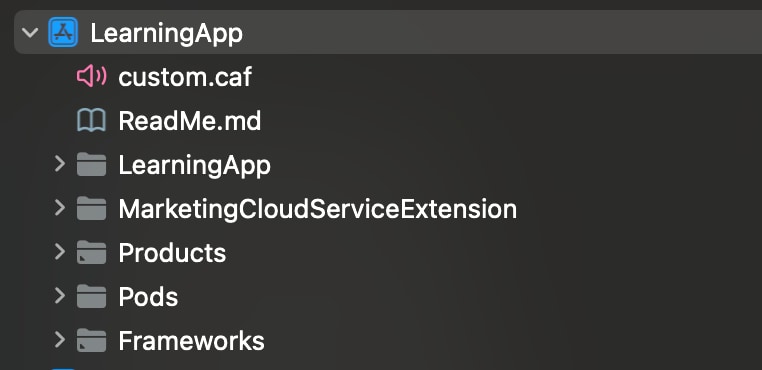
custom.caf to your project. The cloud push payload looks for a file named custom.caf.
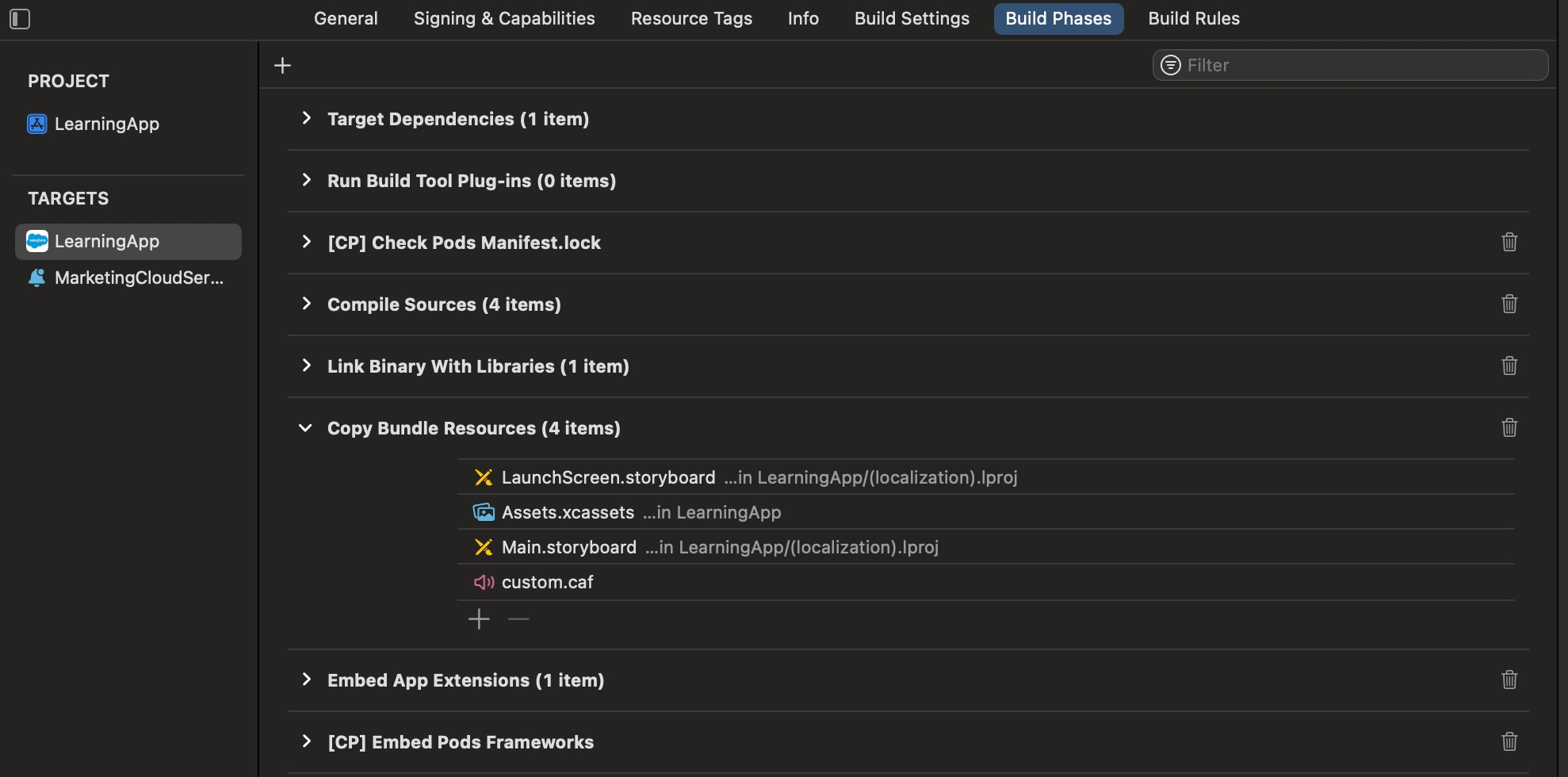
custom.caf audio file to the Copy Bundle Resources folder in Xcode for your app.
 j
j